 Summer Sale

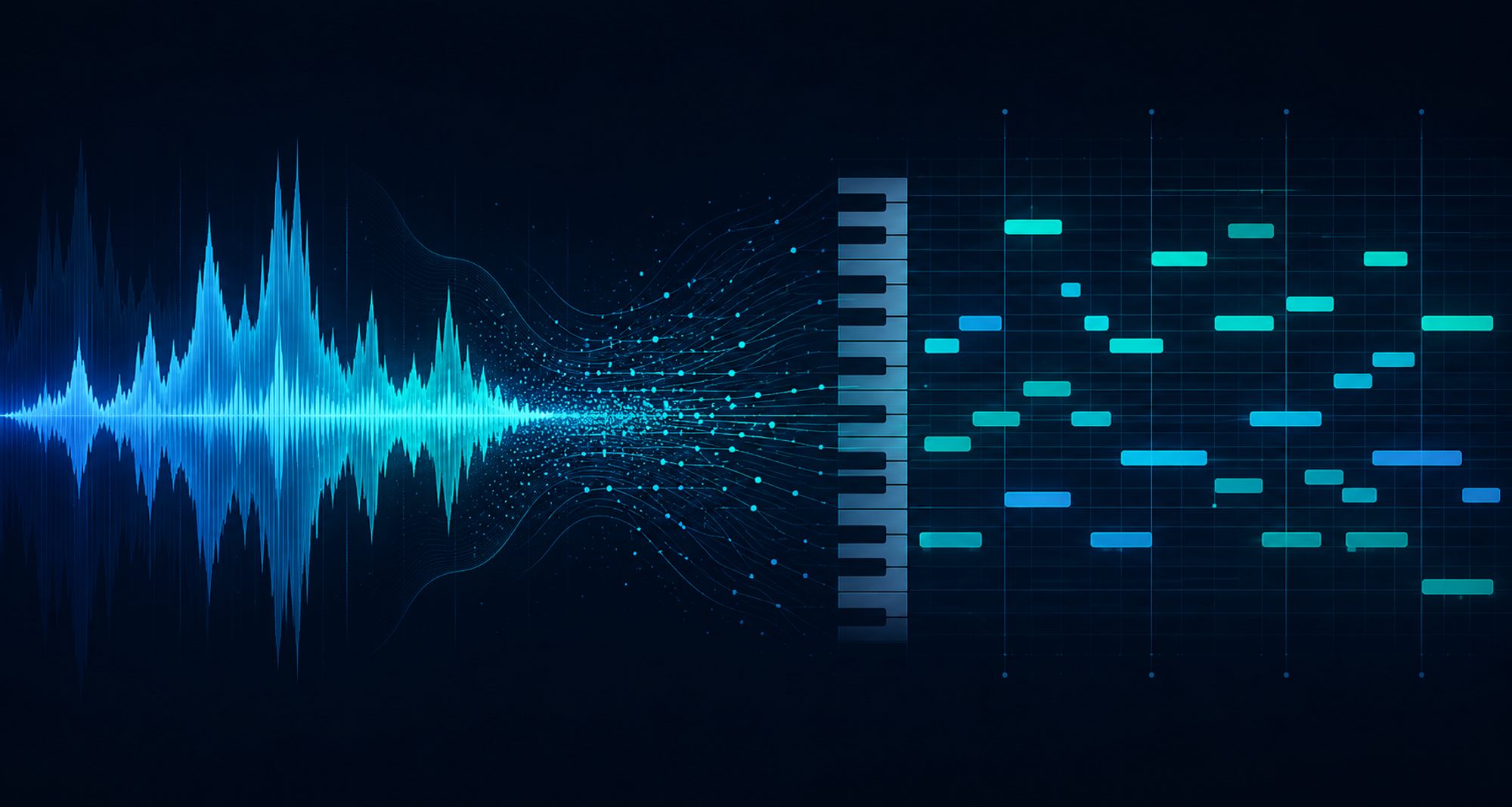
Table of contents
- What Is a Music Converter to MIDI?
- Why Convert Audio to MIDI?
- How AI-Powered Music-to-MIDI Conversion Works
- Step by Step: Converting a Song to MIDI with klang.io
- Choosing the Right App for Your Instrument
- Tips for the Best MIDI Conversion Results
- Music Converter to MIDI: FAQ
Ever heard a song and wished you had the actual notes behind it, not just the audio? Maybe you want to loop the bassline in your DAW, print out the chords for a jam session, or figure out that tricky piano riff note by note.
That's exactly what a music converter to MIDI is for. It takes any audio recording and turns it into a MIDI file: an editable, instrument-agnostic map of every pitch, rhythm, and note duration in the track.
In this guide, we'll break down what a music-to-MIDI converter actually does, how AI makes it possible, and how you can convert your first song in a few clicks with klang.io's Transcription Studio.
What Is a Music Converter to MIDI?
A music converter to MIDI is a tool that listens to an audio file (or a live recording) and translates what it hears into MIDI data: pitch, timing, note length, and velocity. Unlike an MP3 or WAV, a MIDI file doesn't contain any actual sound. It's a set of instructions your DAW, notation software, or virtual instrument can play back and, more importantly, edit.
That's the real appeal of converting audio to MIDI. Once your song exists as MIDI, you can transpose it, change the tempo, swap the piano for a synth, or drop it straight into a score. Doing that from raw audio alone simply isn't possible.
Why Convert Audio to MIDI?
Musicians reach for a music-to-MIDI converter for very different reasons. The most common ones we see at
klang.io:
- Arranging & producing: Pull the melody or bassline of a reference track into your DAW and build a new arrangement around it.
- Learning & practicing: Turn a song you love into sheet music or tabs so you can actually learn it, not just guess by ear.
- Remixing & sampling: Extract editable MIDI from a vocal or instrumental line to reuse it in a completely different key or tempo.
- Teaching: Generate accurate notation from recordings for students, without transcribing everything by hand.
- Archiving ideas: Convert a rough voice memo or guitar sketch into MIDI so it's easy to develop later in any software.
How AI-Powered Music-to-MIDI Conversion Works
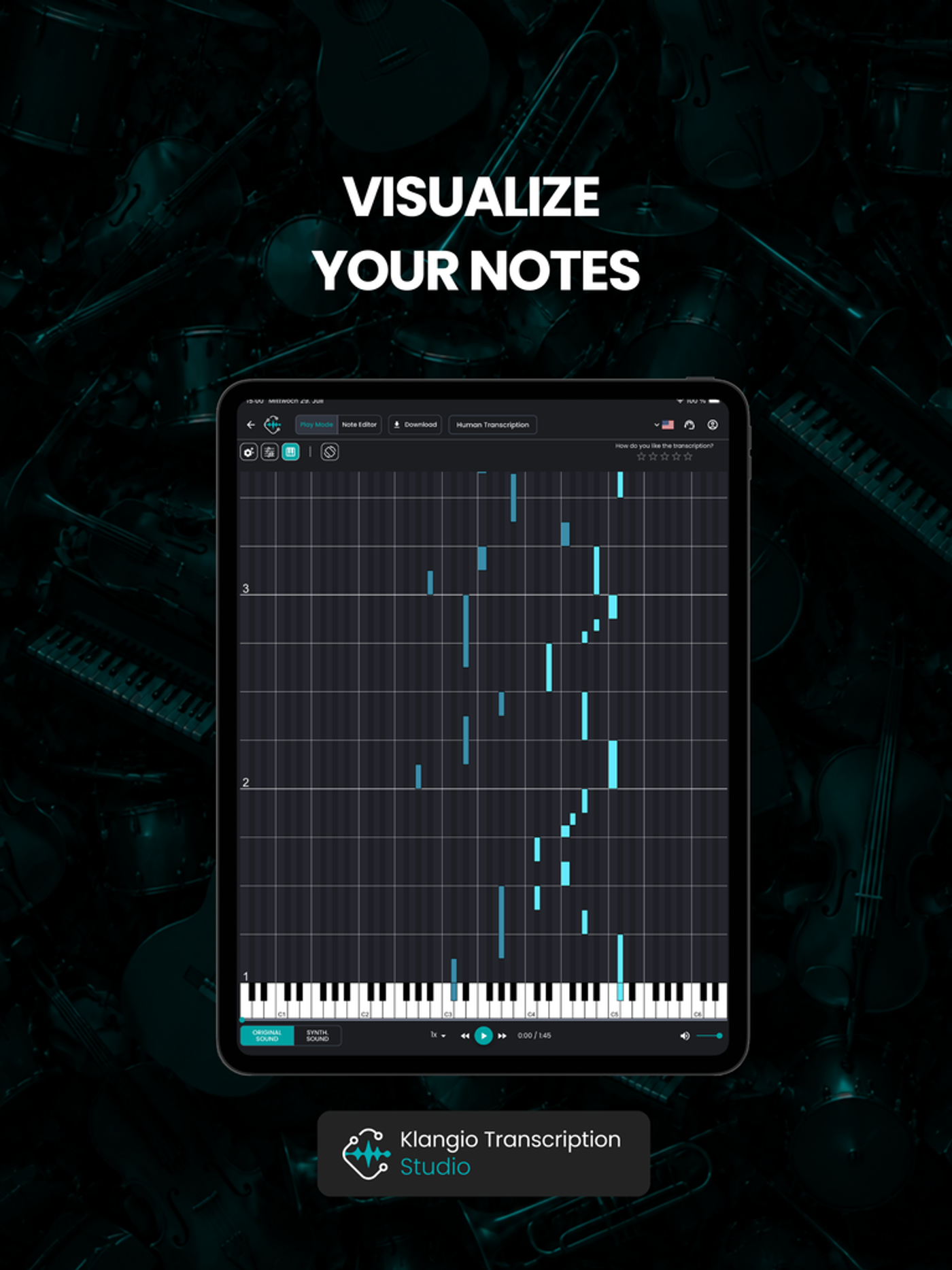
Older audio-to-MIDI tools could barely handle a single melody line. Modern AI transcription is a different story. klang.io's models are trained to recognize melody, rhythm, and harmony directly from audio, and to tell the difference between monophonic sources (a single voice or instrument playing one note at a time, like vocals or a solo violin) and polyphonic ones (multiple notes at once, like piano or full-band recordings).
The AI listens for pitch and timing, groups notes into chords where relevant, and quantizes the result so it lines up cleanly with a musical grid instead of sounding "loose." According to the official MIDI specification, this structured note data is exactly what makes MIDI so flexible across different software and hardware, and it's what your converter needs to get right before export.
Step by Step: Converting a Song to MIDI with klang.io
Transcription Studio is klang.io's all-in-one app for turning audio into editable notation and MIDI, and it's the fastest way to get started if you're not sure which instrument-specific app you need yet.
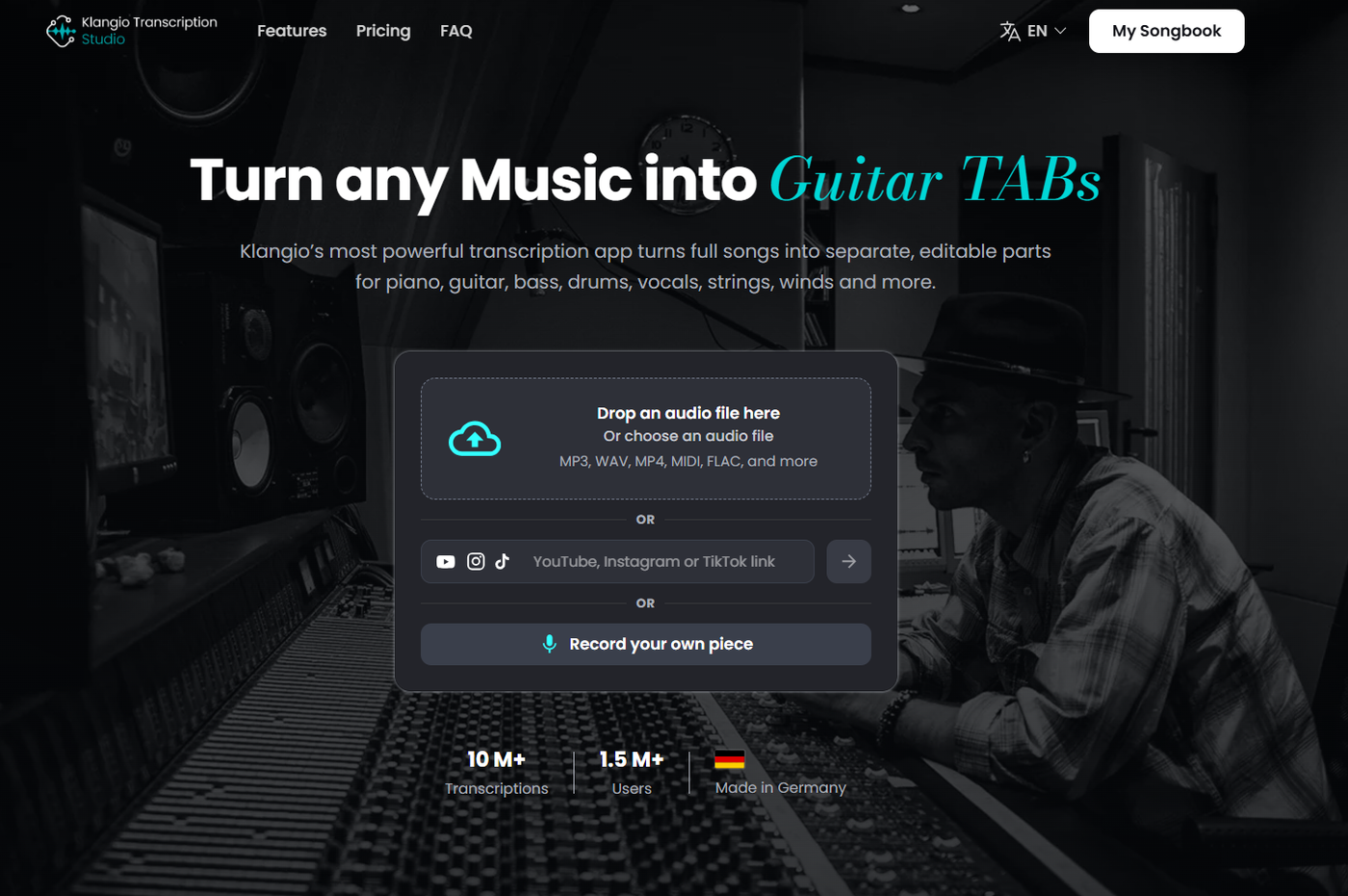
- Upload your audio. Drop in an MP3 or WAV file, paste a YouTube, Instagram, or TikTok link, or record directly in the browser.
- Choose your instrument and mode. Tell klang.io what you're transcribing: piano, guitar, vocals, drums, strings, winds, and more.
- Let the AI transcribe. klang.io analyzes melody, rhythm, and harmony and generates editable notation in seconds.
- Review and fine-tune. Check the result in the built-in editor and adjust any notes that need a manual touch.
- Export your MIDI file. Download quantized or unquantized MIDI, plus PDF sheet music, MusicXML or Guitar Pro if you need them.
Choosing the Right App for Your Instrument
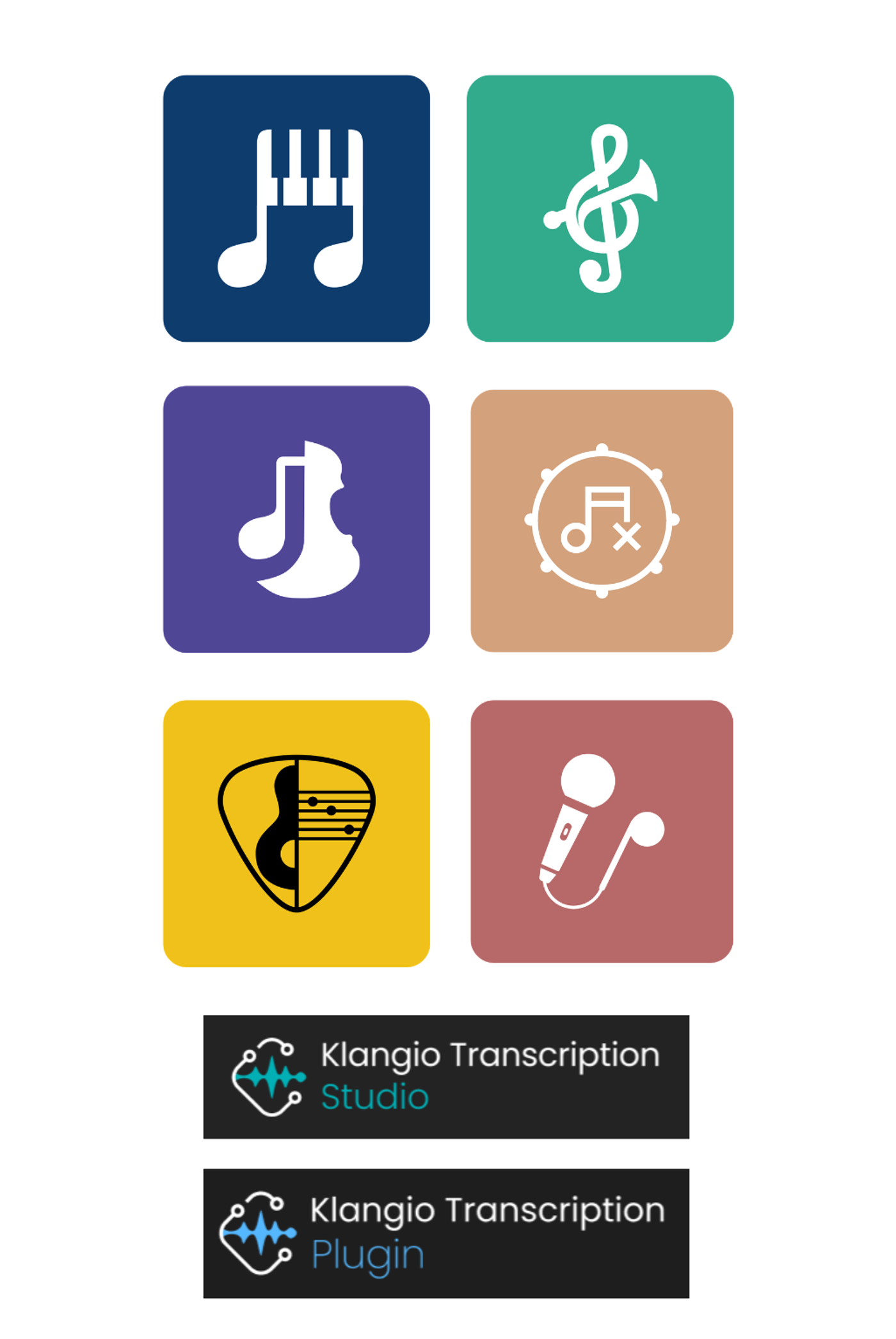
If you always work with the same instrument, klang.io's dedicated apps are built to get you the most accurate
result faster than a general-purpose tool.
Curious how this looks in practice? Check out how we turned a solo performance into playable notation in our electric guitar transcription article, or see the drum-specific workflow in AI drum transcriptions.
Tips for the Best MIDI Conversion Results
- Start with clean audio. A well-recorded studio track will always transcribe more accurately than a noisy phone recording.
- Isolate the source when possible. A solo instrument or an isolated stem gives the AI less to untangle than a full mix.
- Pick the right instrument mode. Matching the mode to what's actually playing (piano vs. guitar vs. full mix) noticeably improves accuracy
- Always review before exporting. Even the best AI transcription benefits from a quick pass in the editor, especially for fast or highly ornamented passages.
- Decide between quantized and unquantized MIDI. Quantized is cleaner for sheet music and remixing; unquantized keeps the original timing feel for a more human groove.
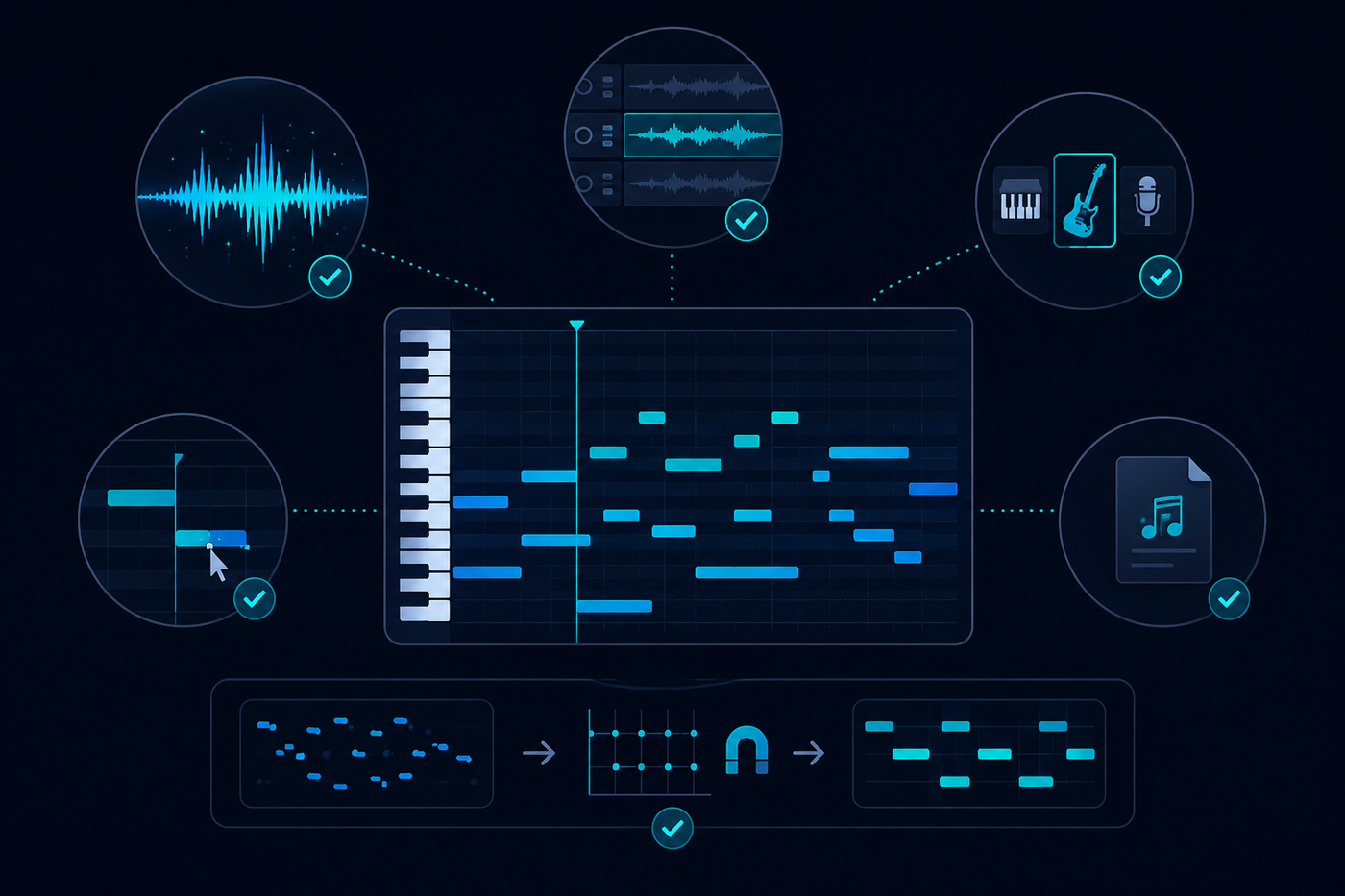
Music Converter to MIDI: FAQ
How do I convert music to MIDI?
Upload an audio file or paste a link into an AI transcription tool like klang.io's Transcription Studio, choose the instrument, and export the result as a MIDI file once you've reviewed the notation.
Can you convert sheet music to MIDI?
Yes. If you already have sheet music, klang.io's Scan2Notes can scan and digitize it, after which it can be exported as MIDI along with PDF and MusicXML.
What's the difference between MP3 to MIDI and audio to MIDI conversion?
They describe the same process. "MP3 to MIDI," "WAV to MIDI," and "audio to MIDI" all refer to turning a recorded audio file into editable MIDI note data, regardless of the original audio format.
Is AI music-to-MIDI conversion accurate?
Modern AI models handle both monophonic and polyphonic material far better than older algorithms, though source quality and instrument complexity still affect the result. A quick manual review in the editor is always a good idea.
Ready to turn your first song into MIDI?
Upload a track, paste a link, or record a riff, and let klang.io do the rest.
(Your first 30 seconds are on us, no signup needed!)