 Summer Sale

Table of contents
- Why a Good Guitar Tab Maker Matter
- What Is a Guitar Tab Maker?
- Meet Guitar2Tabs
- 3 Steps From Song to Tabs
- One Tab Maker, Every Style
- Export Formats You Get
- Free Demo vs. Premium
- Which klang.io Tool Fits You
- What Sets Guitar2Tabs Apart
Why a Good Guitar Tab Maker Matter
Every guitarist knows the drill when a new riff gets stuck in their head. A reliable guitar tab maker skips the usual frustration:
- Wrong tabs everywhere. User-submitted tablature on forums varies wildly in accuracy, and you often can't tell which version is right until you've already learned it wrong.
- Songs with no tabs at all. Newer releases, deep cuts, and covers rarely have tabs anywhere online.
- Hours lost transcribing by ear. Figuring out a riff manually works, but it's slow, even for experienced players.
An AI-powered tab maker closes that gap. Instead of searching, you upload the actual recording and get tabs that match what you're really hearing.
What Is a Guitar Tab Maker?
A tab maker is a tool that turns audio into guitar tablature, the number-based notation guitarists use instead of standard sheet music. AI-powered tab makers analyze pitch, rhythm, and playing technique straight from an audio file, a YouTube link, or a live recording, and generate a full tab automatically. What used to take an evening of manual transcription now takes seconds.
Meet Guitar2Tabs
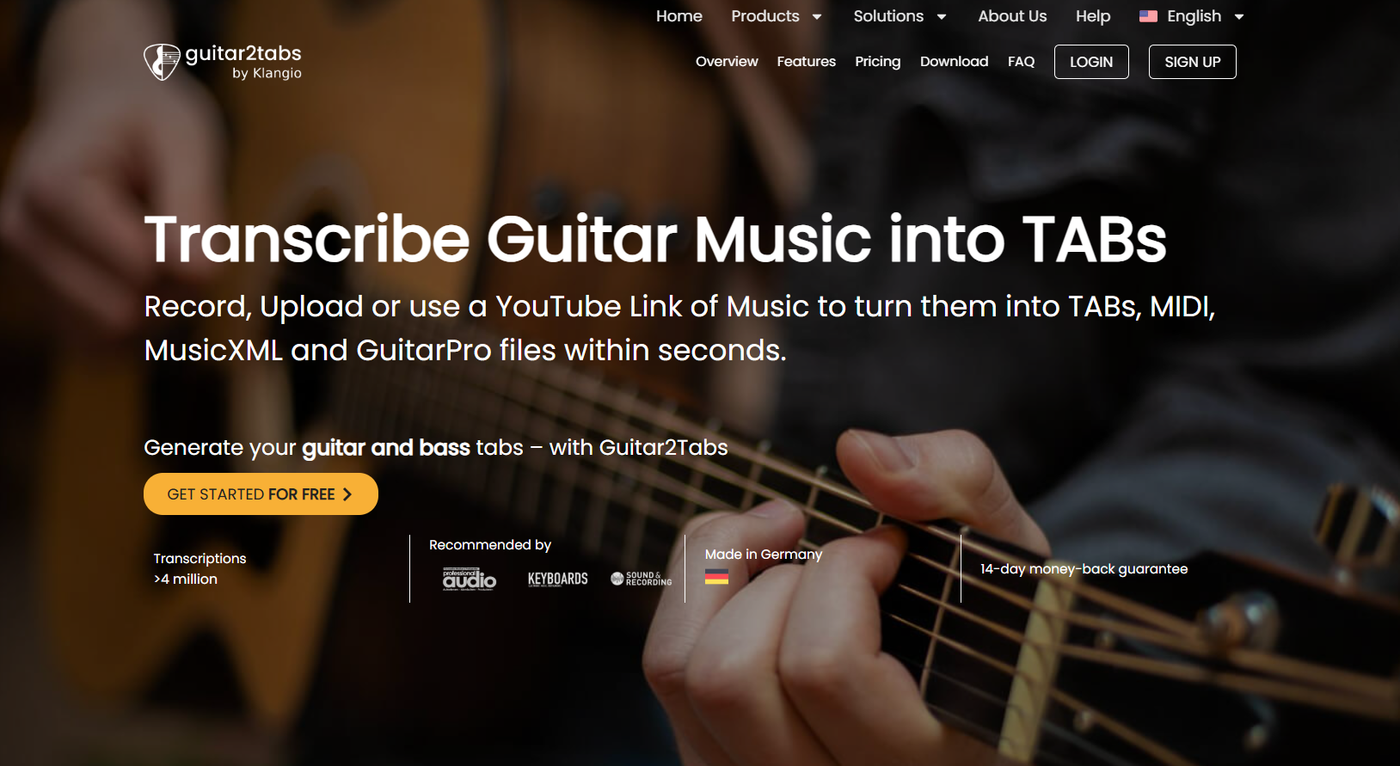
Guitar2Tabs is klang.io's dedicated online guitar tab maker, built specifically to turn guitar and bass recordings into clean, editable tabs and sheet music. No music theory degree required.
- Electric guitar, including distorted tones
- Acoustic guitar
- Classical guitar
- Bass guitar
3 Steps From Song to Tabs
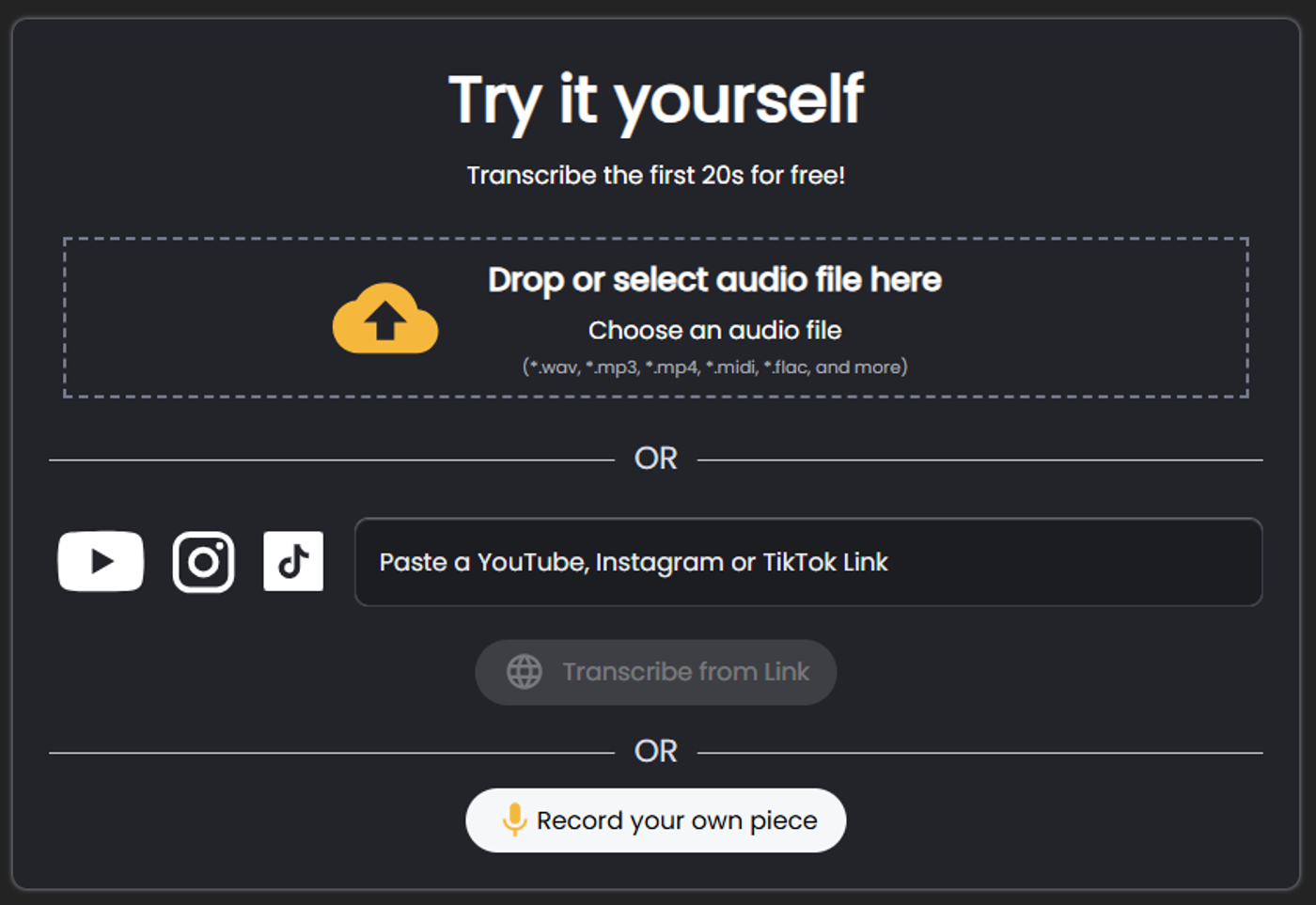
- Upload your recording. Drop in an audio file, paste a YouTube link, or record straight from your guitar.
- Let the AI transcribe. Guitar2Tabs analyzes the audio and generates a full tab, string by string, fret by fret.
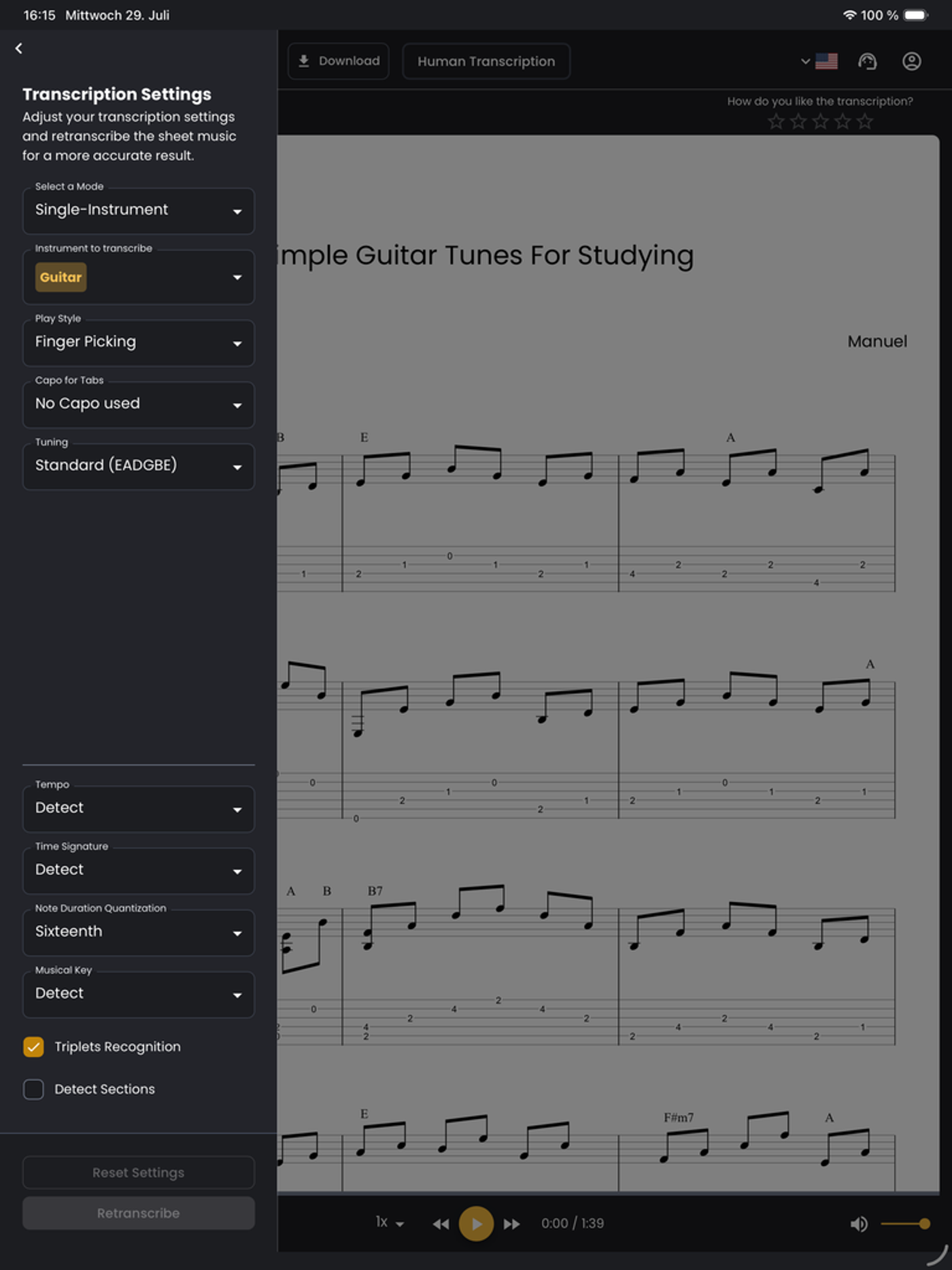
- Preview, edit, and download. Fine-tune anything that needs a tweak, then export your finished tabs.
One Tab Maker, Every Style
Guitar2Tabs adapts to the sound, not just the instrument:
- Rock and metal riffs, distortion and palm-muting included
- Fingerstyle acoustic ballads and singer-songwriter tracks
- Classical guitar pieces with nuanced fingerpicking
- Basslines and grooves for bass-only transcriptions

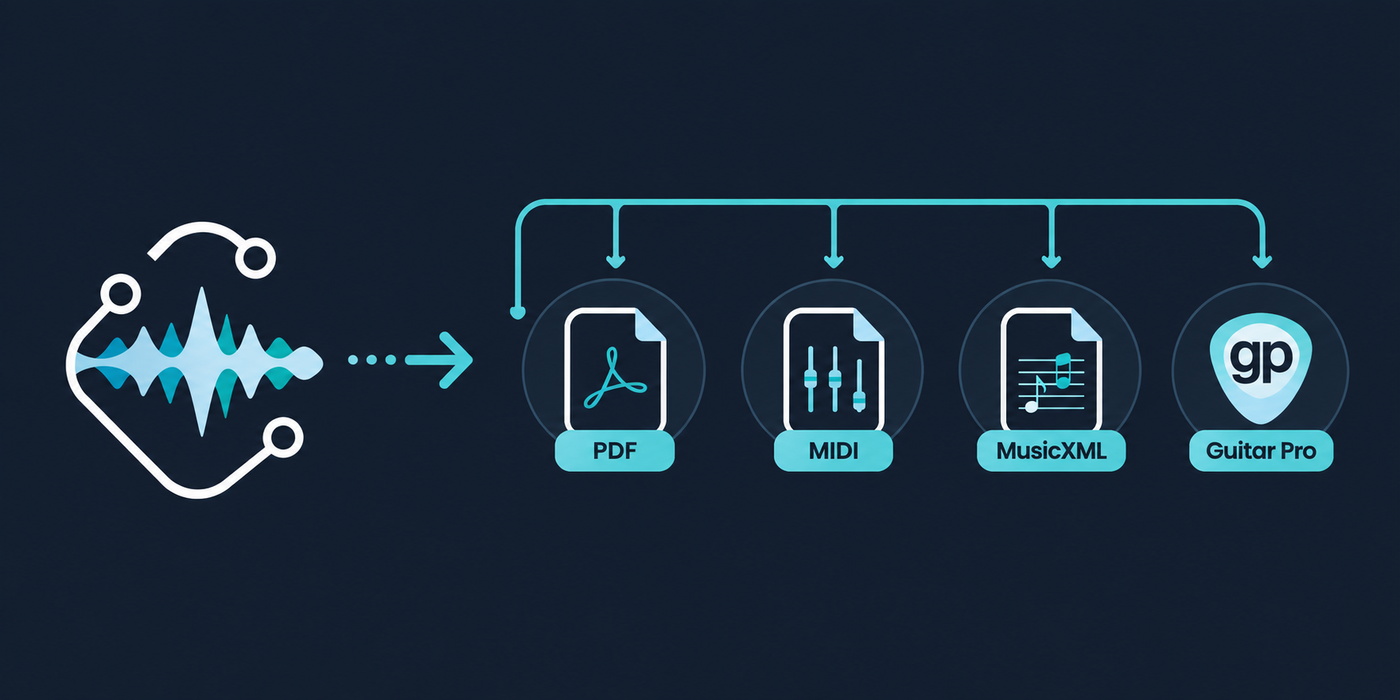
Export Formats You Get
Format | Best for |
|---|---|
Printing or reading tabs on any device | |
MIDI (quantized & unquantized) | Importing into a DAW, e.g. via the klang.io Transcription Plugin |
Opening and editing in notation software | |
Guitar Pro (.gp) | Continuing to edit in Guitar Pro |
Free Demo vs. Premium
Feature | Free | Premium |
|---|---|---|
Length transcribed | First 30 seconds | Full song |
Export formats | Preview only | PDF, MIDI, MusicXML, Guitar Pro |
Editing tools | Basic preview | Full tab & notation editor |
Signup required | No | Yes, to unlock exports |
Which klang.io Tool Fits You
Tool | Best for |
|
|---|---|---|
Full songs across multiple instruments in one workspace | Guitar, bass, piano, drums, vocals & more | |
The fastest, most focused way to just get guitar tabs | Guitar & bass only | |
Transcribing straight inside your DAW | Guitar, bass & more |
What Sets Guitar2Tabs Apart
- Trained specifically on guitar and bass audio, not adapted from a general-purpose model
- Picks up on bends, slides, and how a riff really sits on the fretboard
- Works from a file, a YouTube link, or a live recording
- No signup needed to try your first 30 seconds
Want to see it handle a trickier case? Read our deep dive on transcribing distorted electric guitar or our guide to getting from guitar audio to Guitar Pro tabs!
Ready to try it?
Ready to turn your favorite song into tabs?
Try Guitar2Tabs for free! Your first 30 seconds are on us, no signup needed.