 Summer Sale

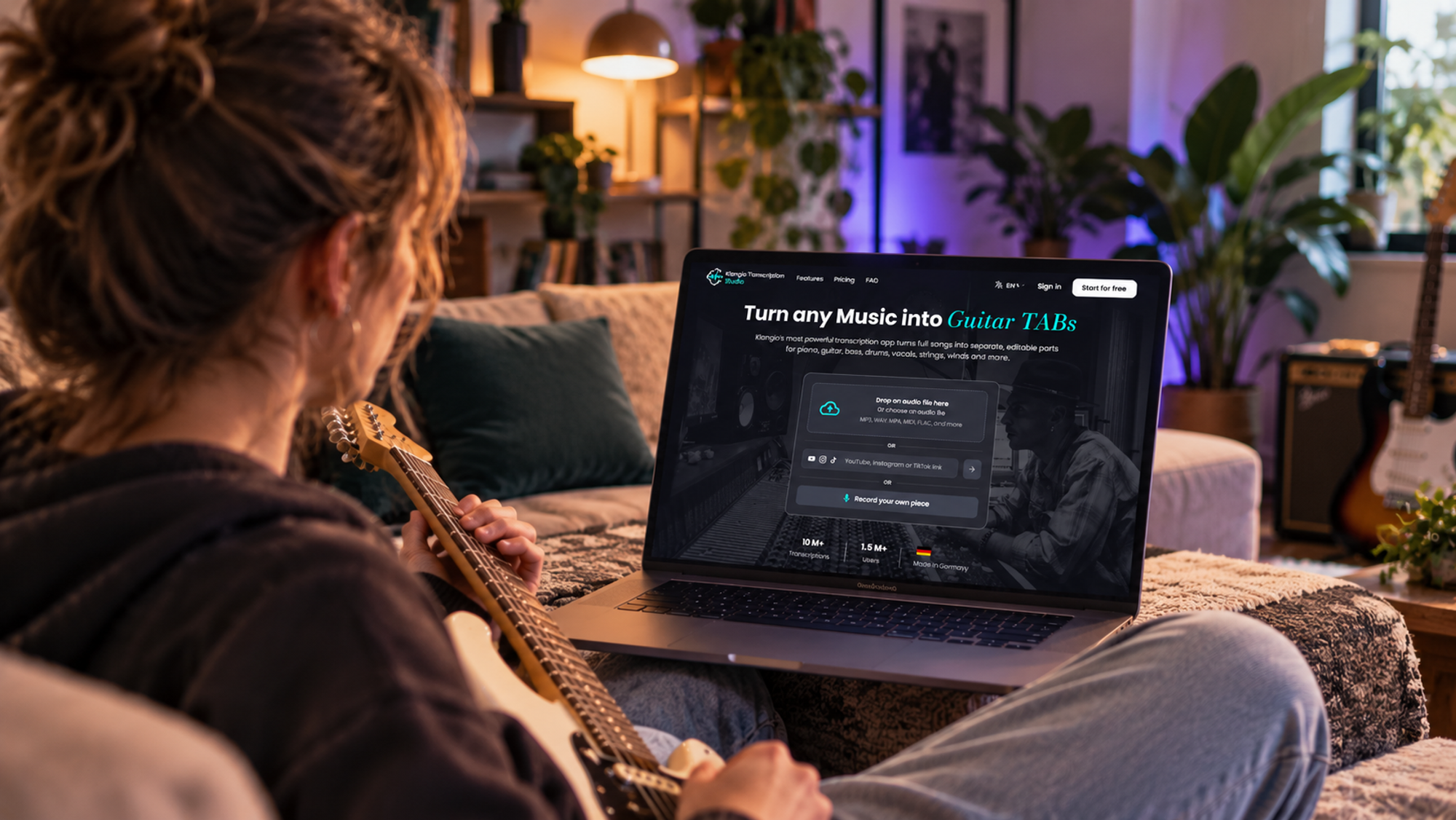
You just watched your favorite guitarist nail a solo on YouTube, and now you want to play it too. There's just one problem: no tab exists for it, or the one you found online is full of mistakes. If you've ever paused and rewound a video a dozen times just to figure out a single riff, you already know why a reliable guitar tab creator is worth its weight in gold.
In this guide, we'll show you how AI tools like Klangio Transcription Studio turn any song into accurate guitar tabs in minutes, no manual ear training required and no messy PDFs from sketchy tab archives.
1. Why You Need a Guitar Tab Creator
Learning a song by ear is a great skill, but it's not always realistic when you just want to play along tonight. Writing tabs by hand means listening to the same four seconds of audio over and over, guessing at string and fret combinations, and hoping the rhythm is right. Crowd-sourced tab sites don't always help either. Anyone can upload a tab, so the fingering, tuning or even the key can be wrong, especially once a song gets more complex than a basic chord progression. If you want the background on how tab notation works in the first place, Wikipedia's overview of tablature is a good starting point.
Here's what usually goes wrong when you skip a proper tab creator:
- Hours spent rewinding and replaying the same four seconds
- Tabs from forums that don't actually match the recording
- No way to isolate the guitar part in a full band mix
- Tabs that only cover one instrument, leaving the rest of the arrangement a mystery
- Files locked into one format, so you can't open them in your tab or DAW software of choice
2. What Makes a Good Guitar Tab Creator
Not every tool that calls itself a "tab generator" delivers results you can trust. Before you hand over your practice time, it should check a few boxes:
Criterion | Why It Matters |
|---|---|
Accuracy | Recognizes real notes, chords and rhythm instead of a rough approximation |
Multi-format export | Fits your existing workflow (Guitar Pro, PDF, MusicXML, MIDI) |
Editing tools | Lets you fix ambiguous passages like bends, slides or palm mutes |
Runs in the browser | No downloads or installs before you can start |
Handles full mixes | Can isolate a guitar or bass part even when drums and vocals play at the same time |
3. Meet Klangio Transcription Studio: Your AI Guitar Tab Creator
This is exactly the gap Klangio Transcription Studio was built to close. It's Klangio's all-in-one transcription tool, and it works as a genuine AI guitar tab creator: upload a song, paste a YouTube link, or record directly, and the Studio turns it into guitar and bass tabs you can actually rely on.
What sets it apart from a typical single-purpose tab generator is that Transcription Studio doesn't just listen to a lone guitar. It's built to handle full songs, separating guitar, bass, piano, vocals, drums, strings and winds into their own readable parts, so a busy band recording turns into a complete, multi-instrument score instead of a rough guess.
If all you need is a quick tab for a single guitar or bass part, Klangio's Guitar2Tabs covers that in a lighter, guitar-only workflow. But for full songs, arrangements, or anything with more than one instrument, Transcription Studio is the tool to reach for first.
4. How to Create Guitar Tabs Online in 4 Easy Steps
Here's what the process actually looks like from start to finish:
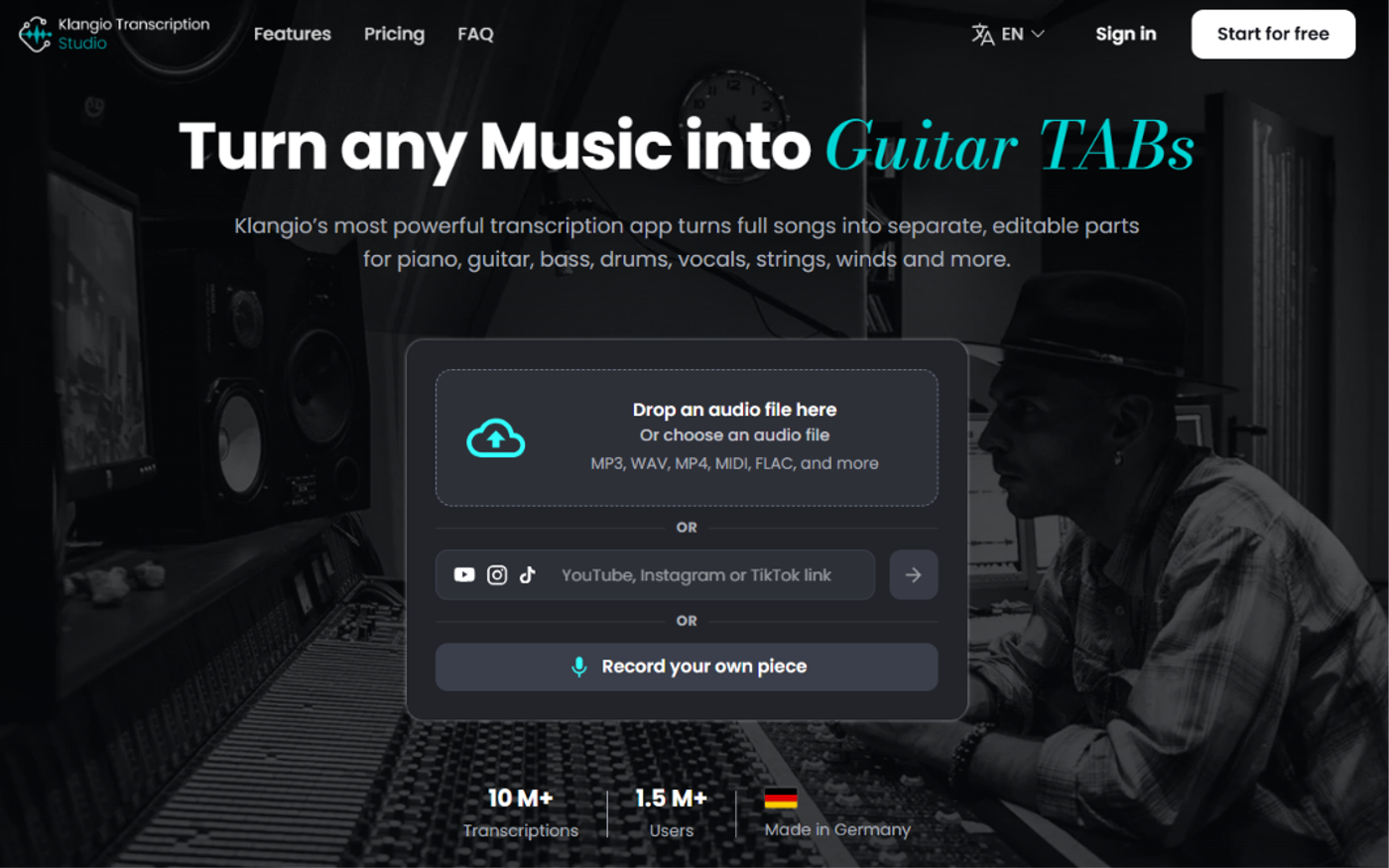
1. Upload, Link, or Record Your Song
Drop in an audio file, paste a YouTube, Instagram or TikTok link, or record straight into your browser. No account is needed to preview a transcription.
2. Let the AI Transcribe It
Pick the mode that fits your song, solo guitar, full band, rock, or arrangement, and Klangio's AI listens to the recording and generates notation and guitar tabs for every instrument you selected.
3. Edit Notes, Rhythm, and Tuning
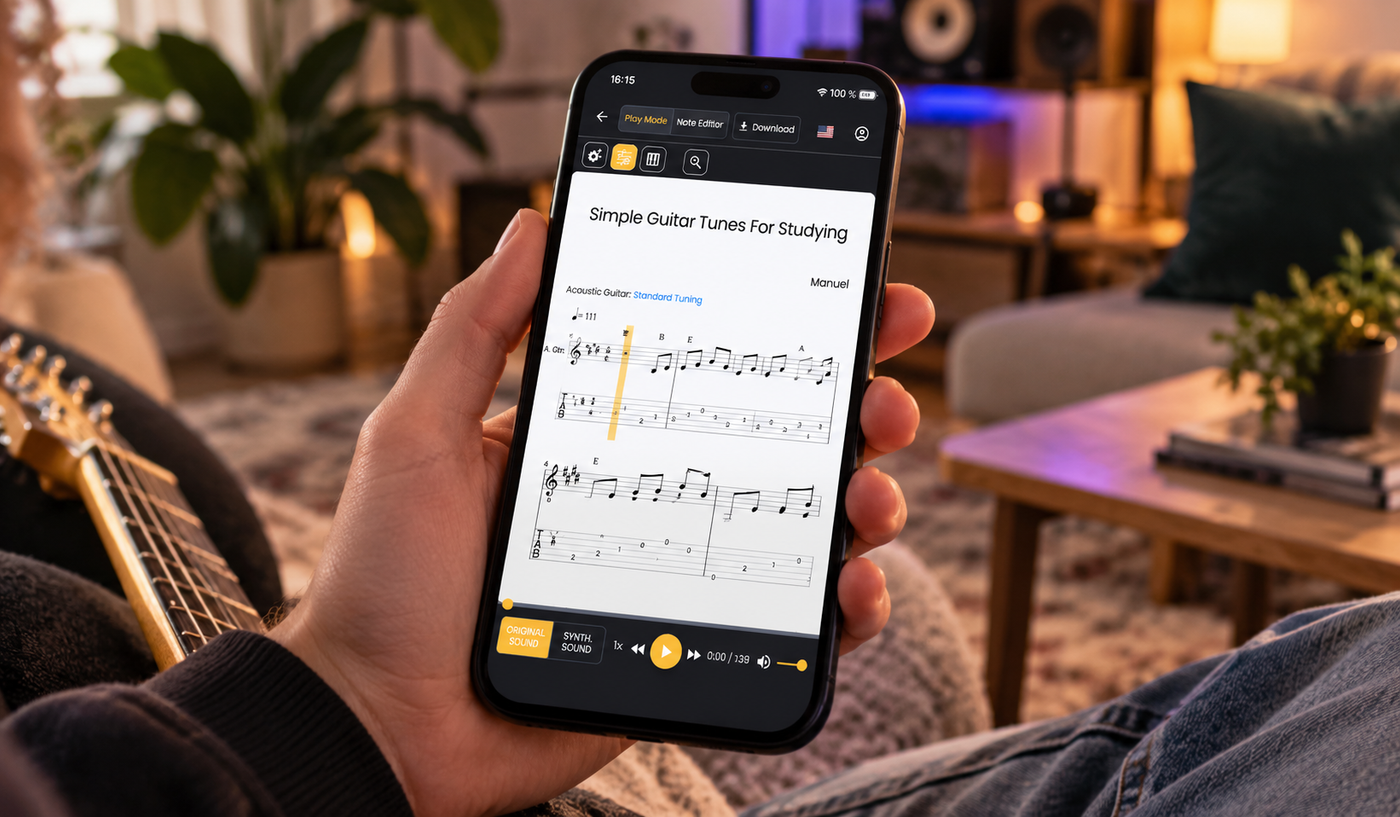
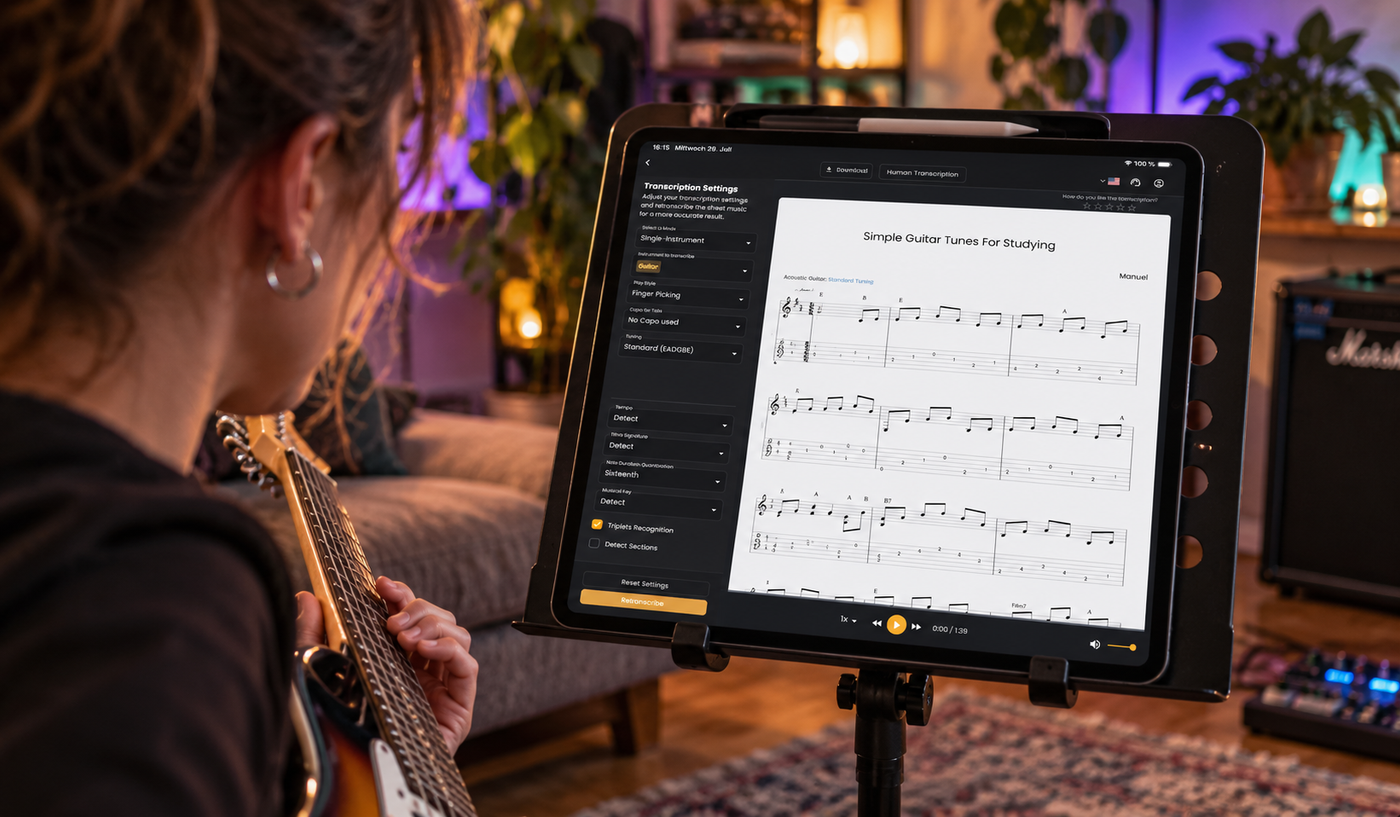
Fine-tune anything the AI wasn't fully sure about directly in the browser editor: notes, rhythm, tempo, key, or tricky techniques like bends and slides.
4. Export and Play
Download your finished tab as a PDF, Guitar Pro file, MusicXML, or MIDI, or send it straight into your DAW with Klangio's plugin, and start playing.
Quick tip: Starting from a YouTube link instead of a downloaded file saves a step and works just as reliably for most songs.
5. Beyond Tabs: What Else You Get
A good tab creator shouldn't box you into one file type or one instrument. Klangio Transcription Studio exports to whatever your workflow already uses:
Format | Best For |
|---|---|
Printing and reading tabs on stage or in lessons | |
Editing further, slowing down playback, or looping a section | |
Importing into notation software like MuseScore or Sibelius | |
MIDI (quantized/unquantized) | Producing, arranging or sampling in a DAW |
And because Transcription Studio handles multiple instruments at once, you're not stuck with just a guitar tab. The same upload can hand you a full band score, drums, bass, keys and vocals included, which makes it just as useful for arranging a cover as for figuring out a single riff.
6. Guitar Tab Creator Tools at a Glance
Method | Speed | Accuracy | Editable | Multi-Instrument |
|---|---|---|---|---|
Tabbing by ear | Slow | Depends on skill | Yes | No |
Crowd-sourced tab sites | Fast | Inconsistent | Rarely | No |
AI guitar tab creator (Klangio Transcription Studio) | Fast | High | Yes | Yes |
7. Tips to Get the Most Accurate Tabs
- Start with the cleanest recording you can find. Studio versions transcribe more reliably than noisy live audio.
- Pick the transcription mode that matches the source: solo guitar mode for isolated playing, full song or band mode for mixed tracks.
- Double check the tuning before you export, especially for drop tunings or capo use.
- Use the editor for anything technique-heavy like tapping, slides or palm-muted sections. The AI gets you most of the way there, and you fine-tune the rest.
- Export to Guitar Pro if you want to slow down playback or loop a tricky section afterward.
8. FAQ
Is Klangio Transcription Studio free to try?
Yes. You can upload a song and preview the transcription for free, no account required. A Pro plan unlocks unlimited exports and additional features, see the pricing details for the current options.
Can it create guitar tabs from a YouTube video?
Yes. Paste a YouTube, Instagram or TikTok link and Transcription Studio transcribes the audio directly, no separate download needed.
Does it work on full band recordings, or only solo guitar?
Both. Choose a solo instrument mode for isolated guitar or bass, or a full song and band mode to separate guitar, bass, drums, vocals and more from a mixed recording.
What file formats can I export my guitar tabs to?
PDF sheet music and tabs, Guitar Pro files, MusicXML, and quantized or unquantized MIDI.
Do I need to install any software?
No. Transcription Studio runs in your browser. A DAW plugin is also available if you'd rather work directly inside your production software.
Still tabbing songs out by hand?
There's a faster way to get from song to sheet. Klangio Transcription Studio turns any track into accurate, editable guitar tabs in minutes!