 Summer Sale

Ever wished you could just press play on a song and get the sheet music back? That's exactly what a sheet music generator does. Instead of transcribing a track by ear, note by note, you let software listen to the recording and write the notation for you. In this guide, we'll look at how AI sheet music generators actually work, who uses them, and how Klangio Transcription Studio turns any song, in almost any instrument, into notes you can read, edit and print.
1. What Is a Sheet Music Generator?
A sheet music generator is any tool that produces musical notation, standard staff notation, guitar tabs, or lead sheets, from an input source. That source can be a blank idea in your head, which is what classic notation software like MuseScore is built for, or an existing recording, which is where AI-based generators like Klangio Transcription Studio come in. The term has become shorthand for anything that saves musicians the hours of manual transcription work they used to do by hand.
Depending on the tool, a sheet music generator typically outputs:
- Standard notation in treble and bass clef
- Guitar and bass tabs
- Lyrics synced to the melody
- Chord symbols
- Digital formats like MIDI or MusicXML for further editing
2. How Does an AI Sheet Music Generator Work?
Modern AI sheet music generators use machine learning models trained on thousands of recordings and their matching scores. When you upload a song, the AI listens for pitch, rhythm, timbre and instrument type, then maps what it hears onto a musical staff. The more specialized the model per instrument, the more accurate the result. That's why Klangio trains separate models for piano, guitar, drums, vocals, strings and more, instead of relying on one generic algorithm for everything.
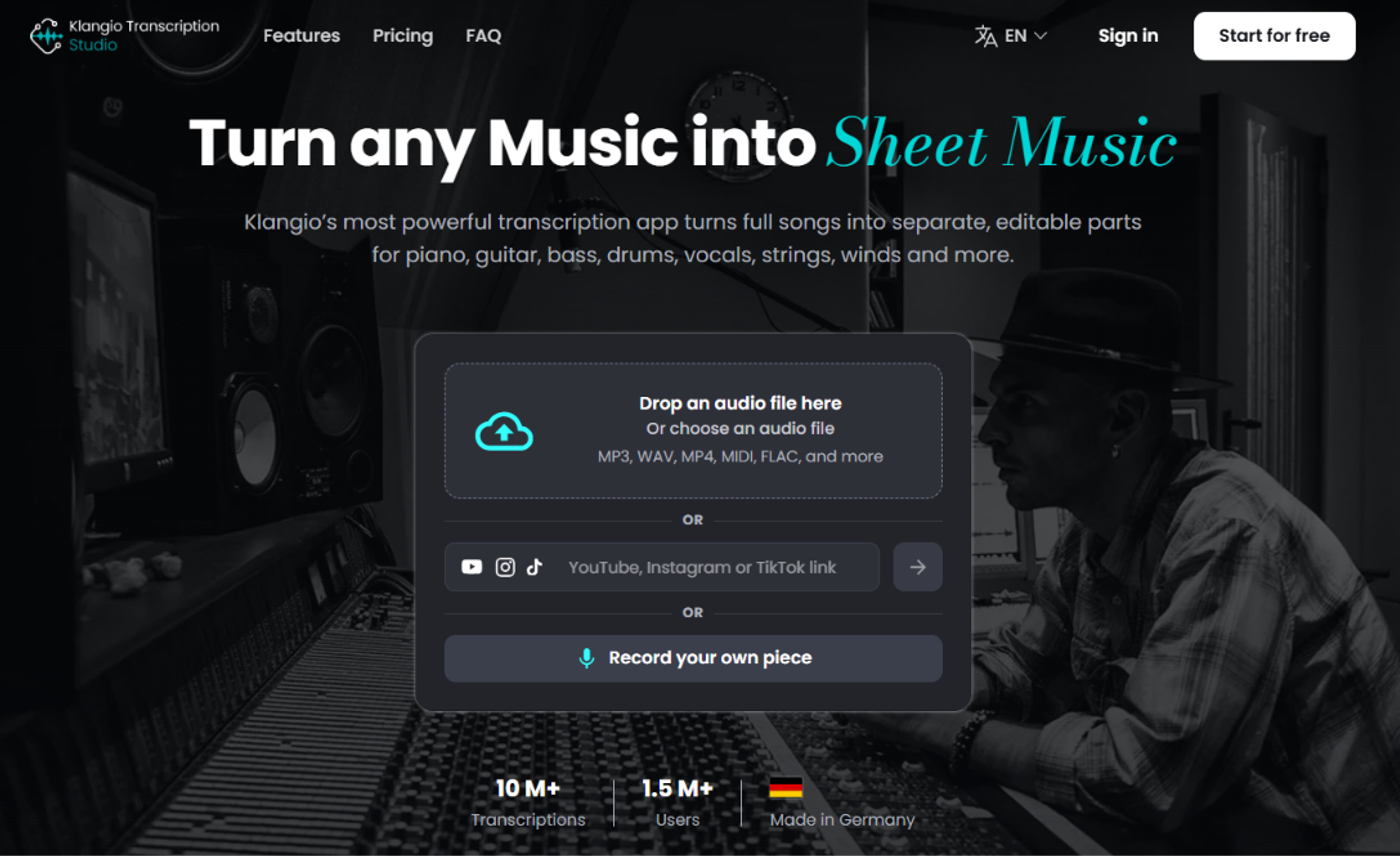
Behind the scenes, a few things happen in quick succession:
- Audio analysis, pitch detection, onset detection and tempo tracking
- Instrument separation, if multiple instruments are present in the recording
- Notation mapping, turning detected notes into readable rhythm and pitch
- Cleanup pass, removing unlikely notes and quantizing the timing
3. Who Actually Uses a Sheet Music Generator?
- Music teachers who need a quick transcription to hand out before the next lesson
- Students learning a song by ear and wanting a reference to check against
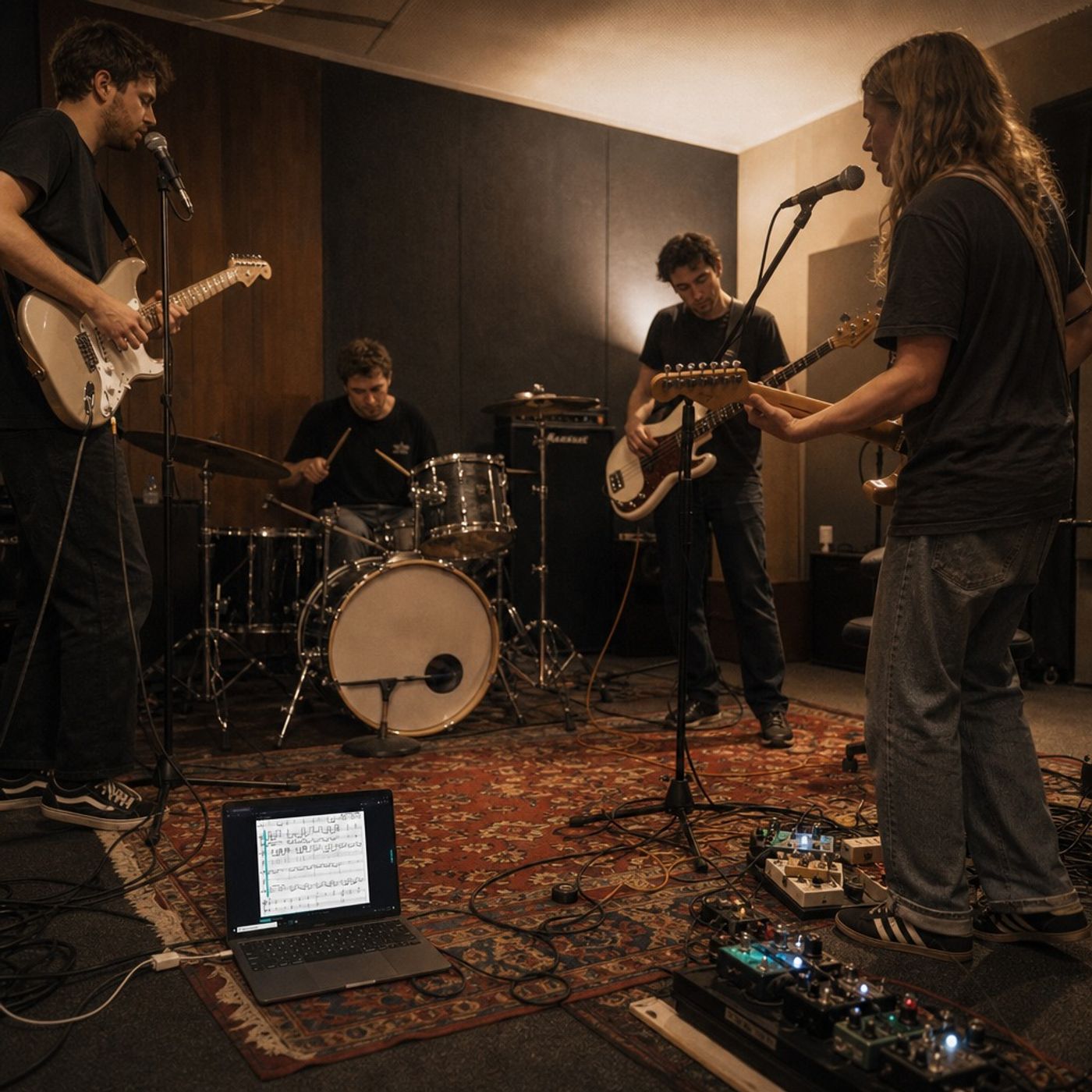
- Bands and arrangers building charts for rehearsal or a gig
- Content creators and streamers who want synced sheet music overlays for tutorials
- Songwriters capturing an idea they just hummed, played or recorded on their phone
4. Notation Software vs. AI Sheet Music Generators
Notation Software | AI Sheet Music Generator | |
|---|---|---|
Starting point | Blank score | Your recording |
Time needed | Hours, depending on the piece | Seconds to a few minutes |
Skill required | Music theory & notation software know-how | None, the AI does the listening |
Best for | Composing original music from scratch | Turning existing songs into notation fast |
Example tools |
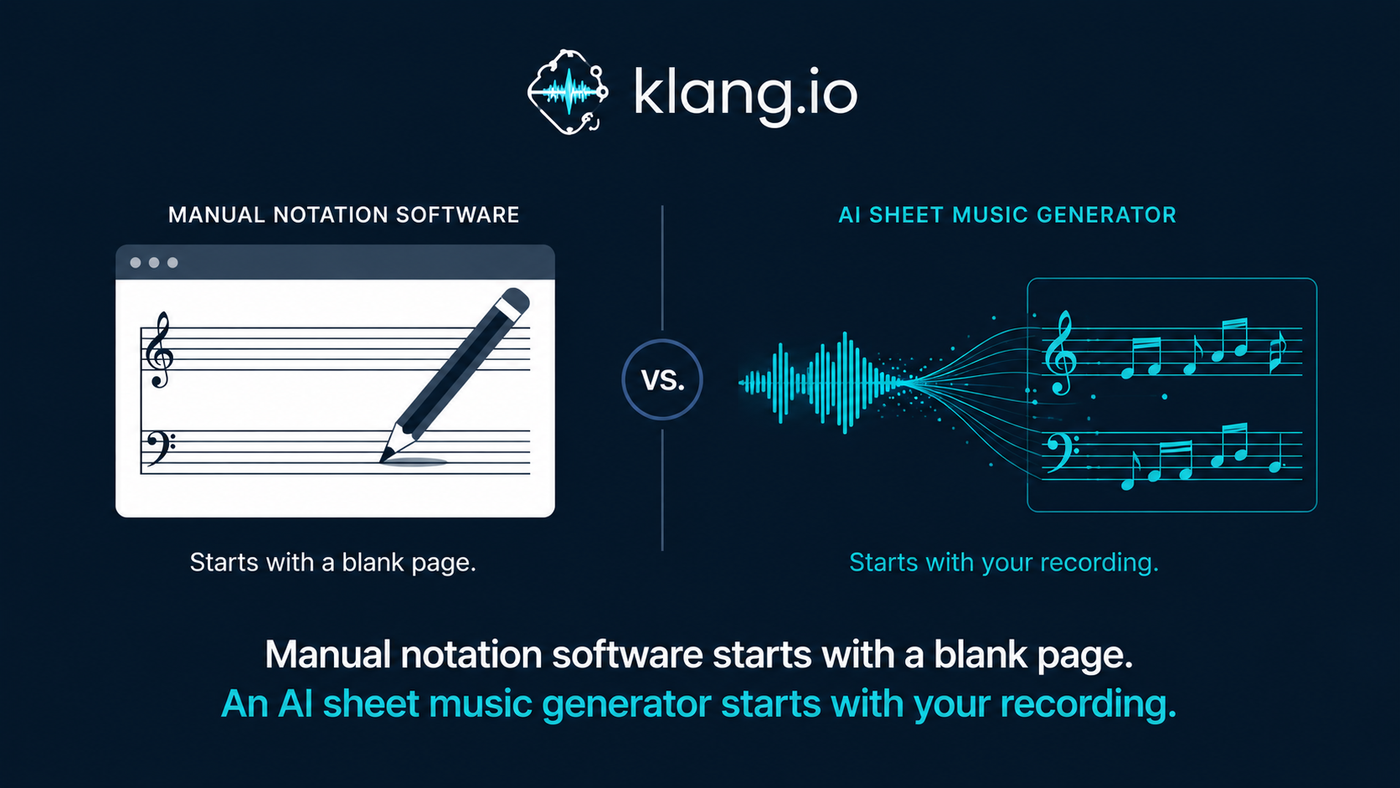
If you're composing something brand new, a notation editor like MuseScore is still the right home for it. But if you already have a recording, whether it's a song from your library, a voice memo, or a video off YouTube, an AI sheet music generator gets you to a finished score without the manual transcription work.
5. Klangio Transcription Studio: Your All-in-One Sheet Music Generator
Klangio Transcription Studio is our all-in-one sheet music generator, and the tool we'd point you to first. Instead of juggling a separate app per instrument, Transcription Studio listens to a full recording and notates everything in it: piano, organ, synthesizer, acoustic and distorted guitar, bass, ukulele, drums, vocals, strings, woodwinds and brass.
Specialized modes for solo instruments, full songs, rock setups, ensembles, arrangements and lead sheets help the AI know exactly what to listen for in your recording.
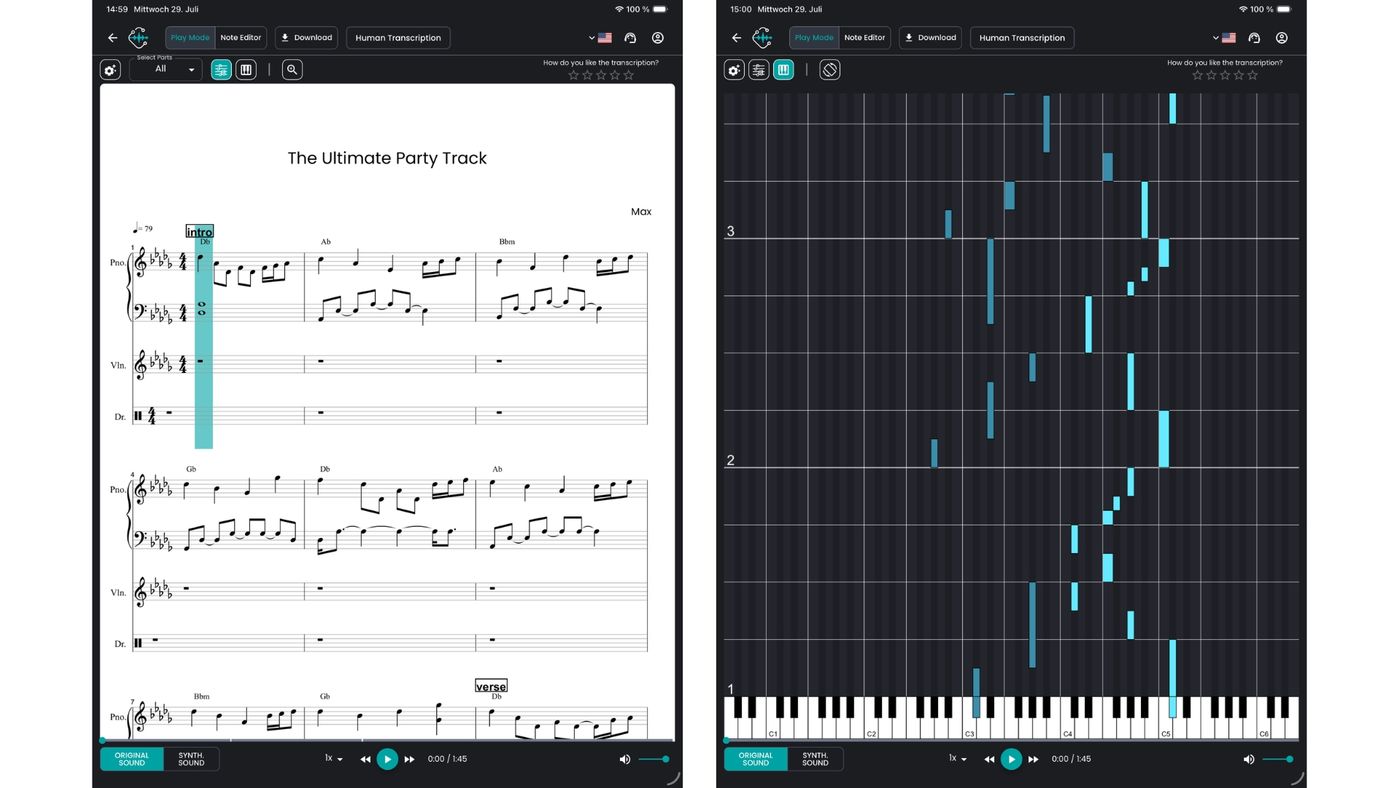
Once the AI has done its pass, you don't have to accept it as final. The built-in editor lets you fine-tune notes, rhythm, tempo and key signature right in the browser, before you export anything.
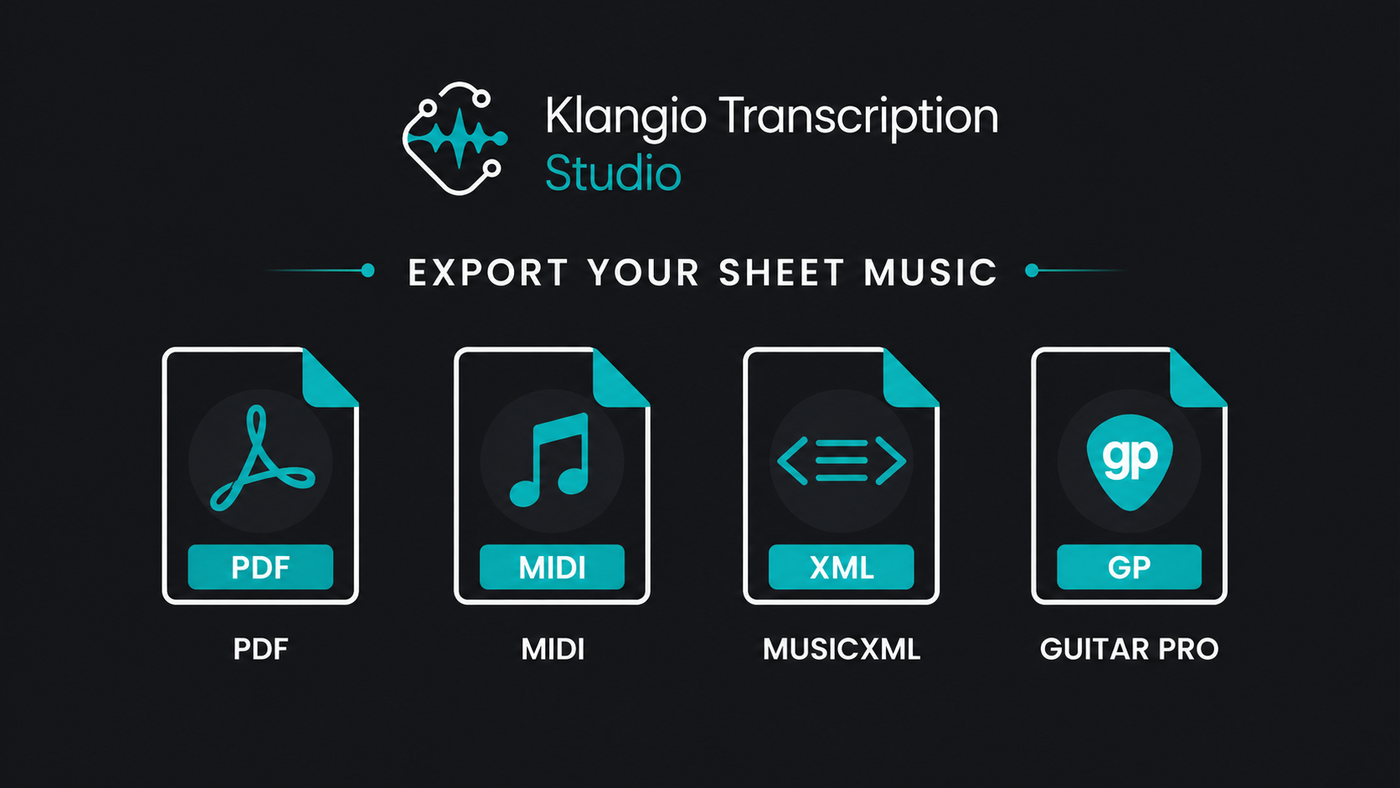
Export in the Format You Actually Need
Format | Best for |
|---|---|
PDF sheet music (with tabs) | Printing and reading |
MIDI (quantized or raw) | DAWs and further editing |
Notation software like MuseScore | |
Guitarists and tab players |
Need just one instrument instead of a full mix? Klangio's specialized apps, Piano2Notes, Guitar2Tabs, Drum2Notes, Sing2Notes, Violin2Notes and Wind2Notes, are built around Transcription Studio's same AI, tuned for a single instrument. And if you're working from printed sheet music instead of audio, Scan2Notes turns that into a digital, editable file too.
Producers who'd rather stay inside their DAW can reach the same AI through the Transcription Plugin, and developers can build it directly into their own product with the Klangio API.
"From song to sheet music in seconds, no music theory degree required."
6. How to Generate Sheet Music with Klangio Transcription Studio
Step 1: Upload or Paste a Link
Drag in an audio file, paste a YouTube, Spotify or Instagram link, or record straight from your microphone. No file prep needed. Don't have a file handy? Use Klangio Song Search to find the track first.
Step 2: Let the AI Transcribe
Pick the mode that matches your recording, solo instrument, full song, or rock setup, and let the AI separate and notate every part.
Step 3: Edit and Export
Clean up any details in the browser editor, then export as PDF, MIDI, MusicXML or Guitar Pro.
7. Tips for Better Results with Any Sheet Music Generator
- Start with a clean recording. Background noise and heavy reverb make pitch detection harder for any AI sheet music generator.
- Pick the right mode. A "rock" or "ensemble" setting helps the AI separate instruments it might otherwise blend together.
- Isolate tricky passages. For fast runs or dense chords, transcribe a shorter clip first, then stitch the sections together.
- Always proofread. Even the best AI transcription benefits from a quick pass in the editor, especially for tricky rhythms
- Match the export format to your next step. Grab MIDI for a DAW, MusicXML for a notation editor, or a PDF if you just need to print and play
8. FAQ
Is a sheet music generator accurate for every instrument?
Accuracy depends on the instrument and the recording. Because Klangio trains separate models per instrument (piano, guitar, drums, vocals and more), results are noticeably more precise than a one-size-fits-all model, especially in Transcription Studio's specialized modes.
Do I need to know music theory to use a sheet music generator?
No. The AI handles the notation, so a sheet music generator works for complete beginners just as well as trained musicians who want to save time.
Can I edit the sheet music after it's generated?
Yes. Klangio Transcription Studio includes a full in-browser editor for notes, rhythm, tempo and key, so you're never stuck with the AI's first pass.
Is Klangio Transcription Studio free to try?
You can upload your music and preview the transcription for free, no account required.