
Do you run into problems while creating or logging into your Klangio account? No worries, let’s resolve them! In this guide, you can learn how to fix the issues that could occur while creating or logging into your Klangio account.
Resetting your Password #
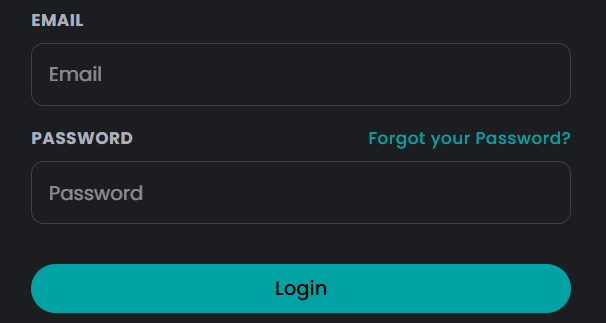

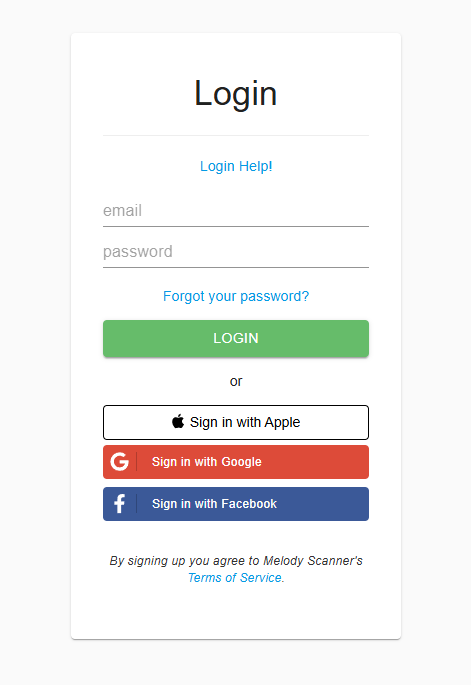
If you forgot your password, you can simply click on “Forgot your password?” in the login section of the Klangio apps to renew it (please also check your spam folder for the reset-password mail from us).
Clearing your Browser Cache #
Occasionally, when we update our login system, your browser still has some dated information stored in its cache. By resetting this cache, your browser will be forced to gather the new updated information from the Klangio website. To do so, simply google for “reset cache of *your browser name*.” After following the steps, you can retry logging in.
Conflict with Google and Mail Login #
If you’ve used your Google Email to register with mail, you might run into issues when trying to log in with “Signing in with Google”.
Step 1: Try the Google Login #
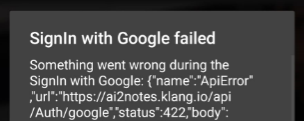

First, try logging into your Account using the “Login with Google” button. Select the mail that you used to sign up. If you come across an error message, proceed to step 2.
Step 2: Try the Mail Login #
Now try out the mail login by entering your mail with “@gmail.com” in the end into the login section. If you forgot your password, refer to the chapter above.
Further Issues #
If none of the options above helped, our servers might get maintained or an update might be processed. Please be patient and try again in an hour. If you still can’t log in, please reach out to us via the “Support” button on the right side of your screen.
Frequently Asked Questions #
Sadly a switch from Google login to email and password is not possible. Please contact our support team to find an individual solution via the Support button on our website and in our apps.


