
If you want to use the Klangio Apps to turn Music into notes, then you’ve come to the right place. In this step-by-step tutorial, I will show you how to turn music into notes on your phone.
Continue reading or watch the YouTube video, which guides you through the process of recording and transcribing with the Klangio mobile apps:
Step 1: Choose a Klangio App #
First, it’s important to choose the right application for your requirements. There is:
- Klangio Transcription Studio – Transcribe music of multiple instruments.
- Piano2Notes – Transcribe music containing a piano
- Guitar2Tabs – Transcribe music containing an acoustic, electric or bass guitar
- Sing2Notes – Transcribe music containing vocals
- Drum2Notes – Transcribe music that contains drums
- MelodyScanner – Turn any song into a piano arrangement
You can try out all of these apps for free in your browser with your computer and smartphone. Simply head over to klang.io and get started. Some apps are also available as mobile apps for iOS, Android.
Step 2 (mobile app only): Log into your Klangio Account #
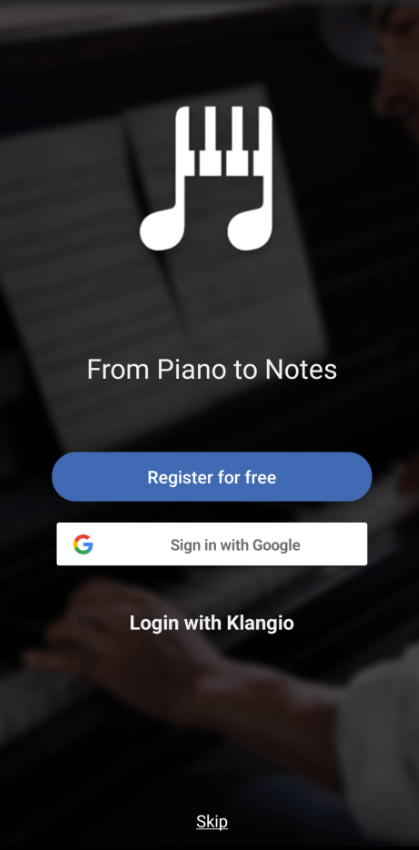
If you are using a mobile app, log into your Klangio Account or create a new account. With this account, you can save all your previous transcriptions and synchronized them between the web and mobile application.
Step 3: Select the Recording Mode #
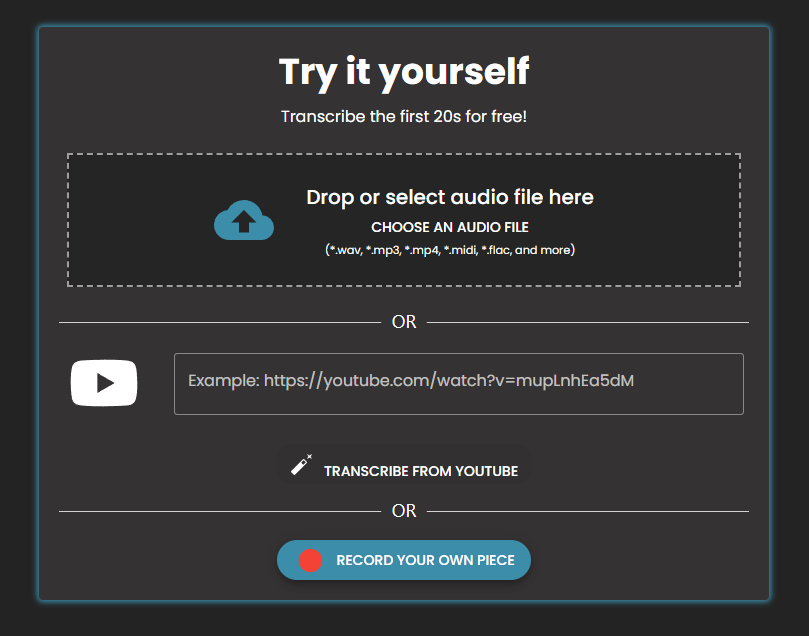
Web Apps: Once you have selected your apps, scroll down a bit until you can see the “Record your own piece” button. Click on it.
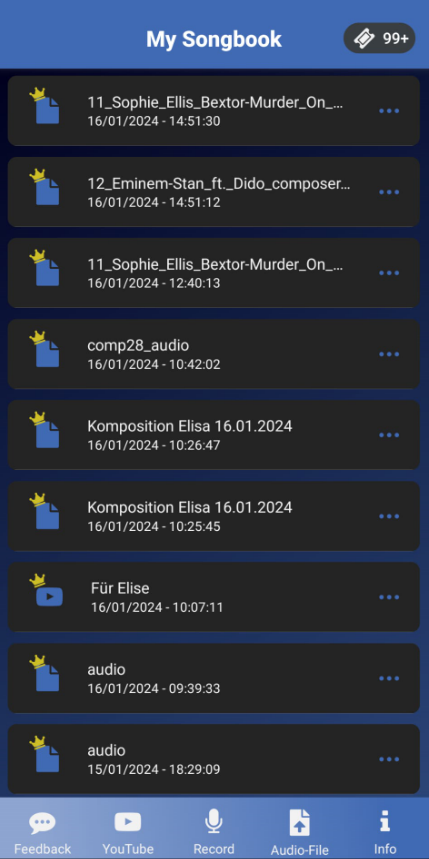
Mobile Apps: Now, you’re in the songbook of the App. At the very bottom, you can find multiple tabs for uploading an audio file, using a YouTube video or recording music. Tap on the “Recording” tab.
Step 4: Record your Playing #
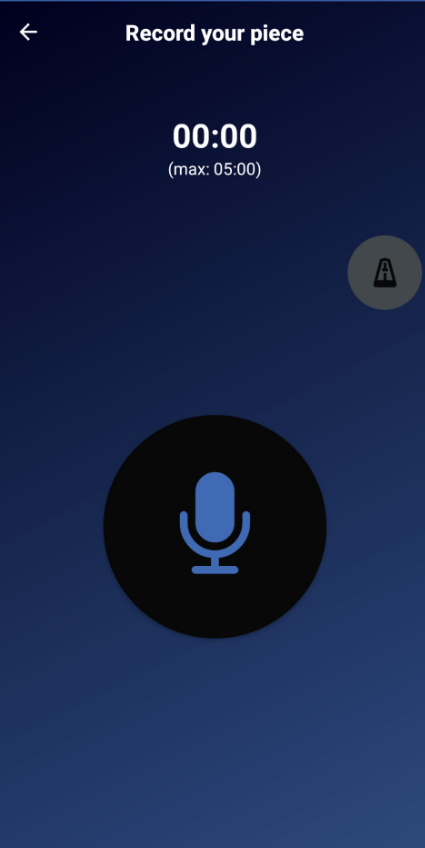
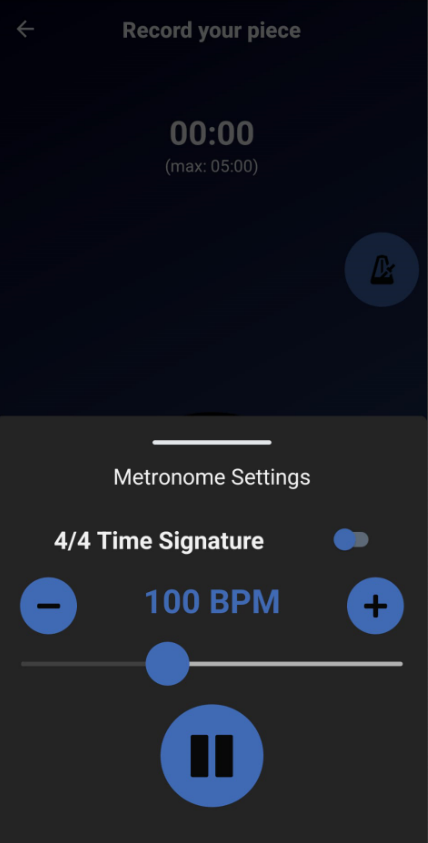
You can activate a metronome in the top right corner (mobile apps), that helps you stay in time when recording. Make sure to use Headphones when using the metronome. Now, set up your instrument and get ready to play. Tap the record button. After the countdown, the recording will start. When you are done playing, tap the recording button again. Don’t worry, you can record as many times as you like, so don’t hesitate to have multiple attempts for the perfect recording, since only a good recording can result in a good transcription.
Step 5: Addition Settings #
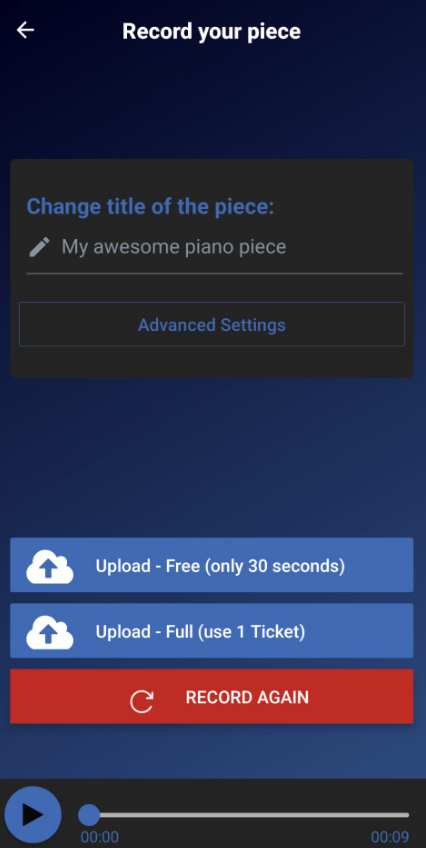
Once you’re happy with a recording, you can name it and add additional information, which can improve the quality of the transcription even further. Then click on either “Free” for a Demo transcription, or click on “Full” to start a Full Transcription right away.
Step 6: Viewing the transcription #
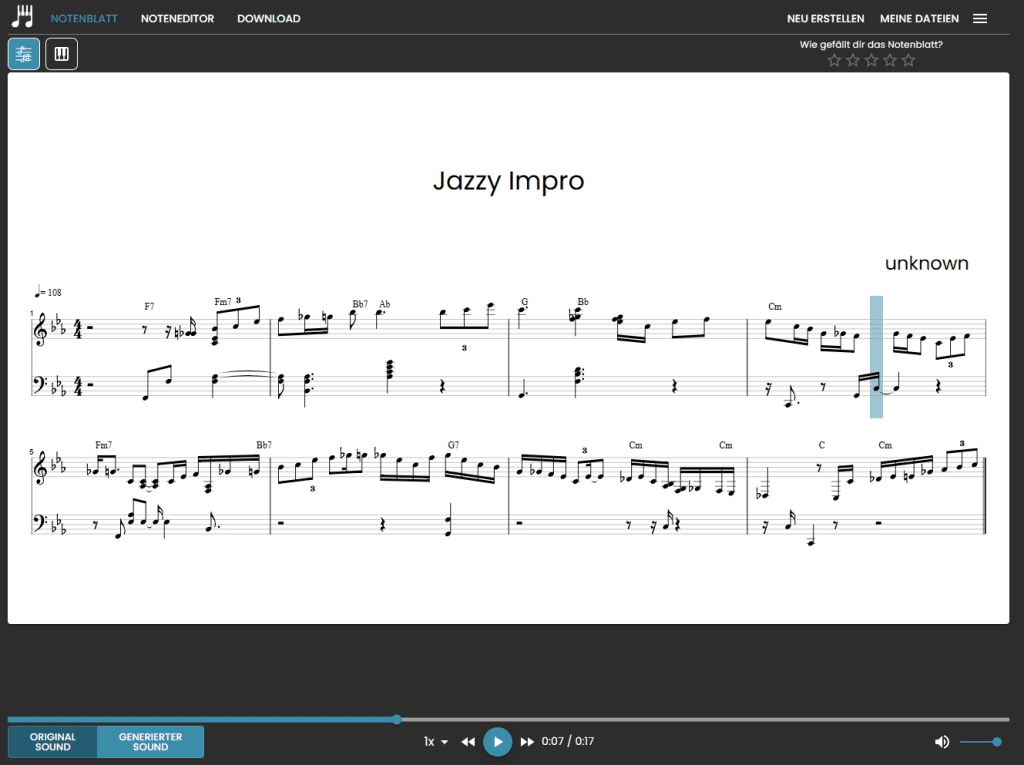
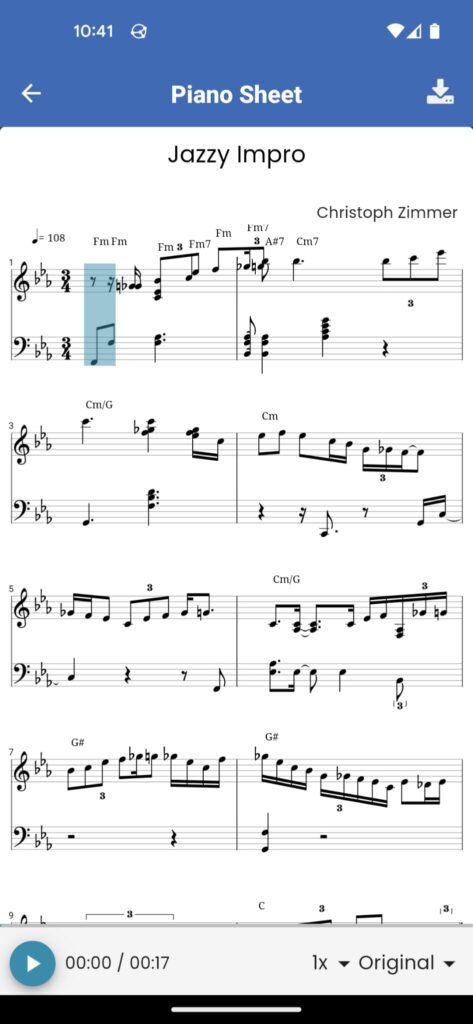
Within a couple of seconds, Klangio’s AI will process your recordings and turn them into notes. You can then tap on the title of your recording to open it in the transcription viewer. Here you can download your transcription as different formats, edit the notes of your sheet and optionally upgrade it to a full transcription.
Feel free to check out the other articles in our Help Center, if you have questions about how to turn music into notes on your Phone with the Klangio Apps.
Frequently Asked Questions #
1. Check browser permissions: In your browser, verify that microphone access is enabled.
Reload the tab and start the recording again.
2. Check system settings: On Windows/macOS, go to Privacy/Audio and make sure your browser has microphone access and the correct device is selected.
3. Try a different browser: Ideally use the latest version of Chrome. as we sometimes experience compatibility issues with other browsers (for example, Safari)
This is also the first fix when experiencing issues with the playback audio of your sheet
4. If it still fails: record the audio with another program first and then upload it as a file in Klangio.


