
If you’re wondering what features come with your Klangio transcriptions and what the difference between demo and full Klangio transcriptions is, then you’ve come to the right place.
Demo Transcriptions (Free) #
Everyone can try out any of the Klangio apps completely for free and as long as needed! This allows you to test out if the quality and features of the apps meet your expectations before deciding to subscribe. Free transcriptions come with the following limitations:
- The duration of the transcription is limited to 20 seconds.
- The download / export formats are limited to PDF files.
- The Edit Mode is deactivated.
- Demo transcriptions made without an account will be deleted after 30 days (We recommend creating an account to avoid this and to find all of your created sheets in one place).
Simply head over to klang.io, choose an app in our products list, and get started for free!
Full Transcriptions (Paid) #
With full transcriptions, there are no limitations to your transcriptions.
- Transcribe up to 15 minutes at once.
- Download your transcription in all available formats.
- Edit your sheet music with the Edit Mode.
Each full transcription requires one ticket, which you can gain monthly through subscriptions. Optionally, you can upgrade a single demo to a full transcription or purchase a gift card.
Of course, you can still do demo transcriptions with a subscription and decide to transcribe the whole song after checking out the results of the demo transcription.
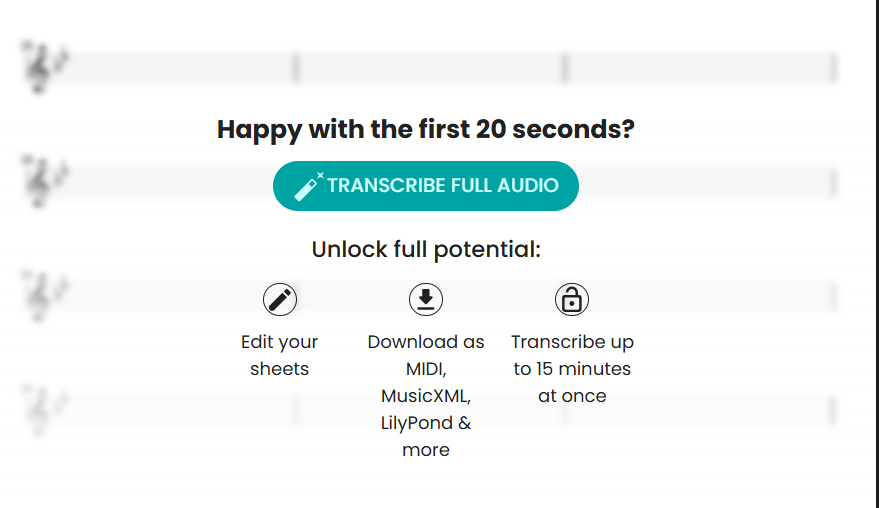
You can upgrade a demo to a full transcription by opening it from your songbook and scrolling down to find this button:
Melody Scanner is using a different subscription system. Check out this article for more information.
Feel free to check out the other articles in our Help Center, if you want to find out more about Klangio transcriptions.
Frequently Asked Questions #
When upgrading to a full transcription, the entire piece will be transcribed instead of the first few seconds. As now the entirety of the piece is being considered in the analysis, a different result from the demo might occur. The quality might also slightly decrease if the full piece is rather long or includes errors/unexpected changes. In this case we recommend splitting the audio file in half/smaller sections if possible or using our editor to fix smaller mistakes.
To transcribe the demo version, select “+ new transcription” in your songbook and choose your audio and settings. After entering the title and author, you can choose between “Start Demo” and “Start Full Transcription.” Select the demo option to only transcribe 20 seconds of your song.


