
If you’re curious about the different formats that you can export your Klangio transcriptions in, then this article is just right for you: Let’s take a look at all the different download and export formats available.
Continue reading, or watch this YouTube video:
Where to Download a Transcription #
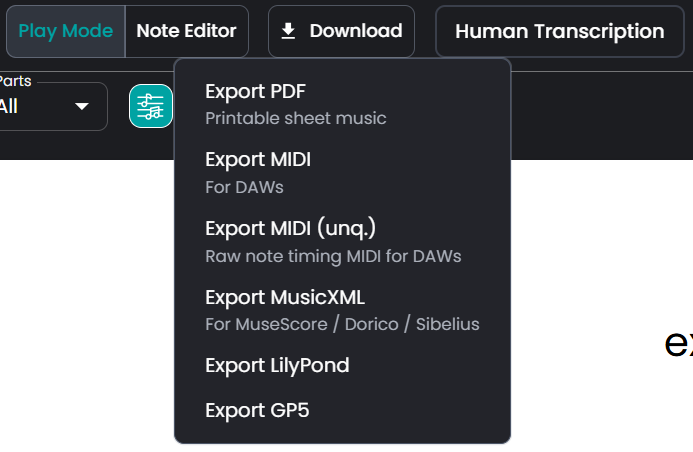
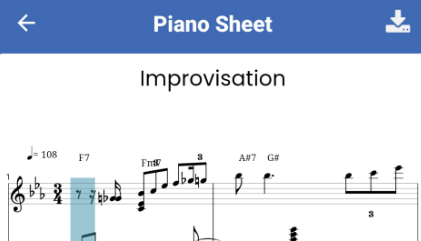
You can either download a transcription directly from your songbook by selecting it and using the actions menu on the right side of the transcription or by clicking on the download button in the top center of the transcription viewer. Note that some transcription formats are only available with full transcriptions. Also, feel free to try out the Edit Mode directly in your browser if you’re looking for a quick way to make changes to your score.
Let’s check out the different export formats.
Export PDF #
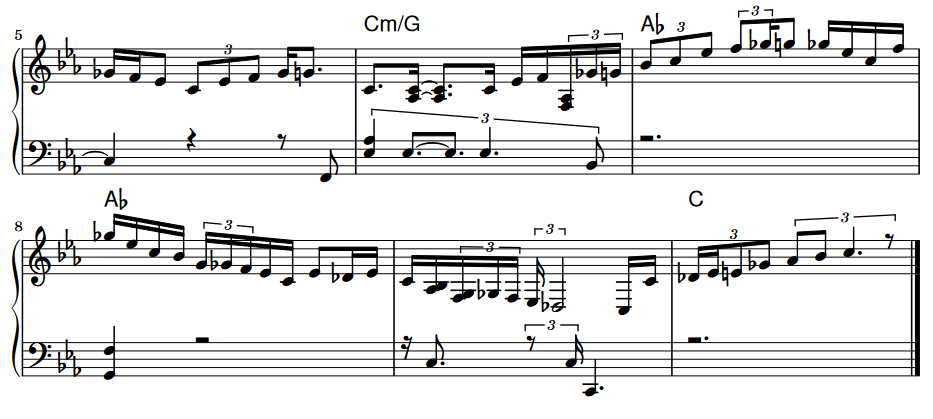
By exporting a PDF, you will download a file that contains the sheet music of the transcription. It can be opened with any browser or PDF reader like Adobe Reader. Note that these files are not editable.
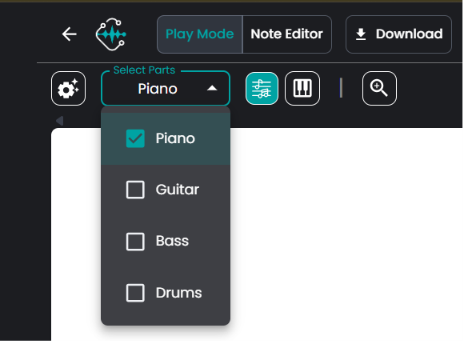
Note that if you want to only export the notes of a single instrument, when you have transcribed multiple instruments with Klangio Transcription Studio, you can toggle the Instruments you want to export before clicking on “Download PDF” by using the dropdown menu in the top left corner of your screen
Export MIDI and MIDI (unq.) #
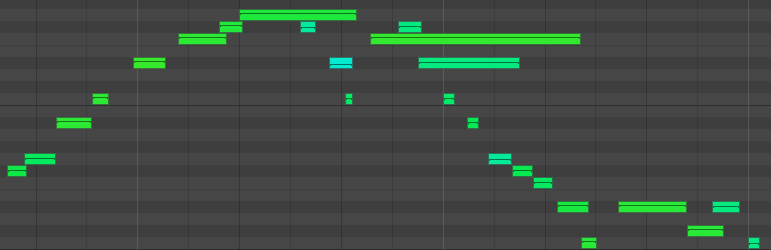
One of the most common ways to store music as notes is in a format called MIDI, which is commonly used for music production. After downloading a MIDI file, you can open it in a Digital Audio Workstation to edit it. Note that MIDI and unquantized MIDI have slight differences.
Export MusicXML #
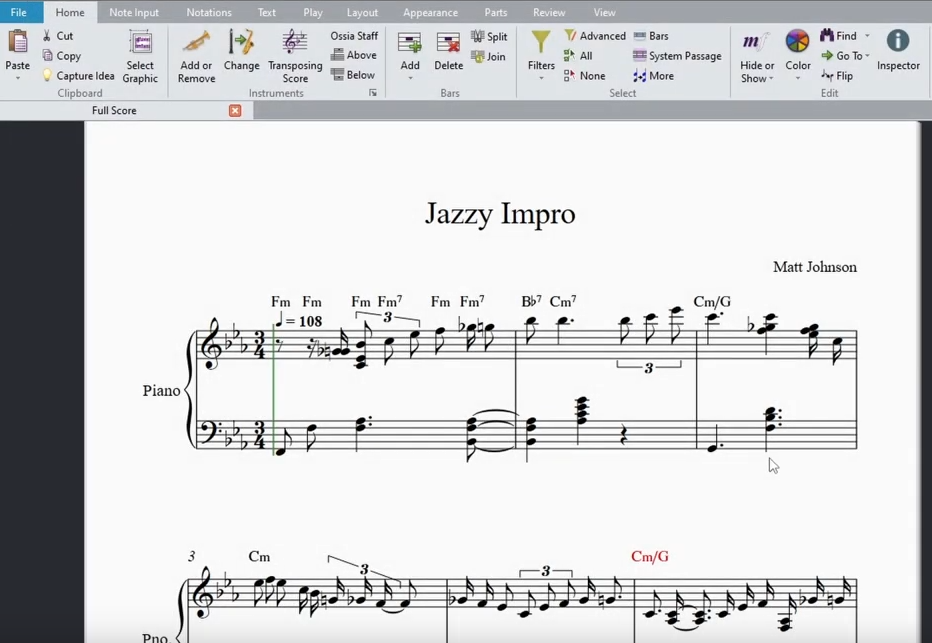
MusicXML can be described as a mix of MIDI and a sheet music PDF: It’s an editable notation like MIDI but formatted as sheet music. You can open these files with music composition editors like MuseScore, Sibelius, and Finale. Just like with the quantized MIDI export, the MusicXML file is not adaptive to changes in tempo of the original audio and instead is using the nominal tempo that was detected in the audio file.
Export LilyPond #
LilyPond is a music engraving program that produces high-quality sheet music from text-based input. It’s somewhat like LaTeX but for music notation, allowing you to write music in a plain-text format, which LilyPond then processes to generate beautifully formatted sheet music. With the Klangio apps, you can download your created transcription as a LilyPond-compatible format (.ly file).
Export GP5 #
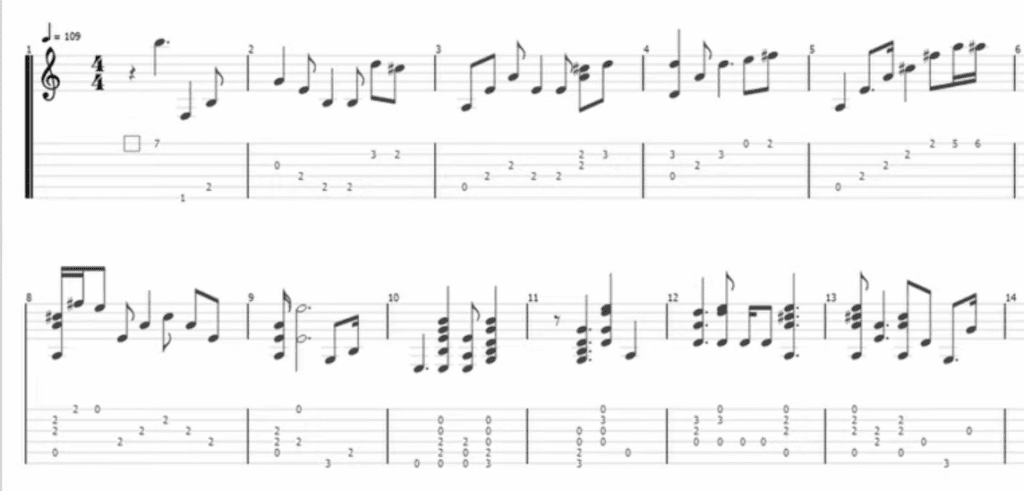
For Guitar2Tabs and our Klangio Transcription Studio, there is an exclusive download format: a Guitar Pro file. These are quite similar to MusicXML but are focused on displaying guitar tablature instead of sheet music. They can be opened with the Guitar Pro Editor or TuxGuitar.
Feel free to check out the other articles in our Help Center if you have questions about the different download and export formats Klangio offers.
Frequently Asked Questions #
Large sheets may take a few minutes before the download begins.
Please wait a bit after selecting your export format.
If the download still doesn’t start, feel free to contact us so we can investigate.
Klangio PDF export is not meant for advanced sheet customization. We suggest downloading the MusicXML file and opening your sheet with a composition software (MuseScore, Dorico, Finale, or Sibelius) to customize your sheet there.
Lyrics are not yet included in the MIDI export. Lyrics detection can be chosen if vocals are selected and can be shown in the PDF export. It is not possible to upload lyrics separately for our AI to add them to your sheet.
All PDFs exported from our apps include the hint to Klangio.
Here are two options to get a PDF without the watermark:
1. Export the MusicXML and create a PDF using a tool like MuseScore
2. Edit the PDF with a PDF editor and remove the watermark.


