
This article will show you how to convert and turn audio files and YouTube videos into guitar and bass tabs and GuitarPro files with Klangio’s apps Guitar2Tabs and Klangio Transcription Studio.
Continue reading or watch this YouTube video:
Step 1: Open Guitar2Tabs or Klangio Transcription Studio #
All Klangio apps, including Guitar2Tab and Klangio Transcription Studio, are available for your browser. Guitar2Tabs is also available as a mobile app and allows you to record your music directly in the app.
Step 2: Upload the Audio File or Paste in a YouTube Link #
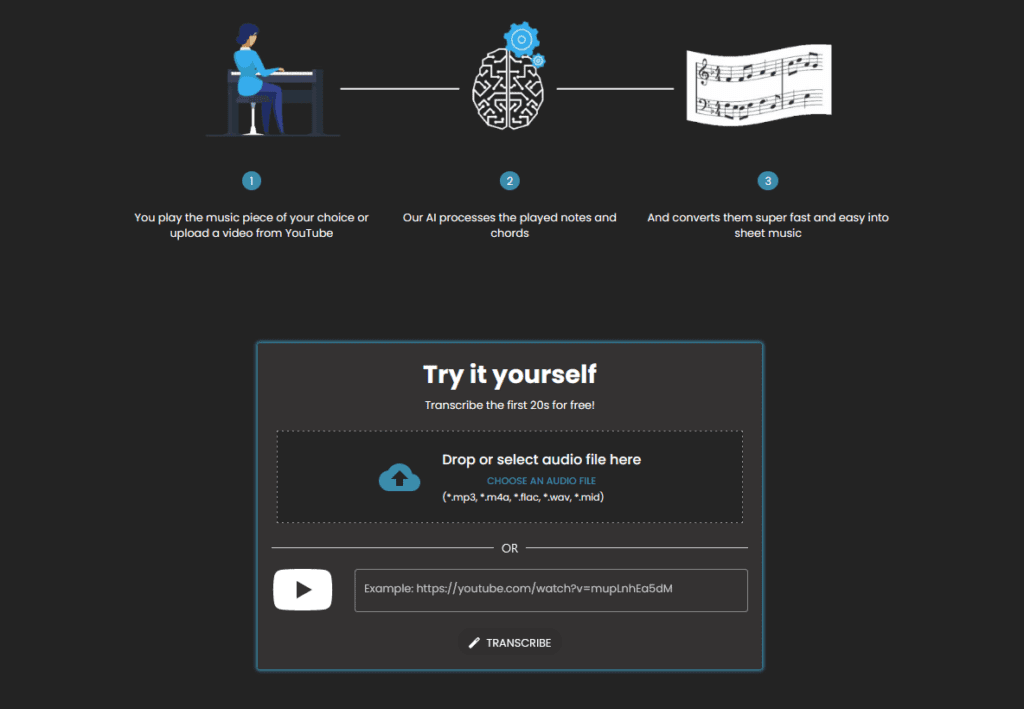
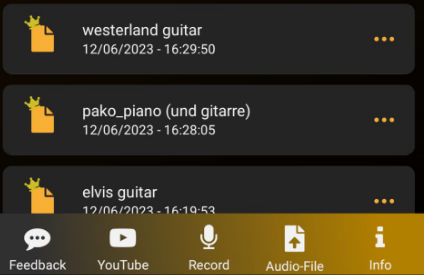
Simply drag and drop the audio file into the dedicated box or paste in a YouTube link of your music.
Step 3: Transcribe the Audio File #
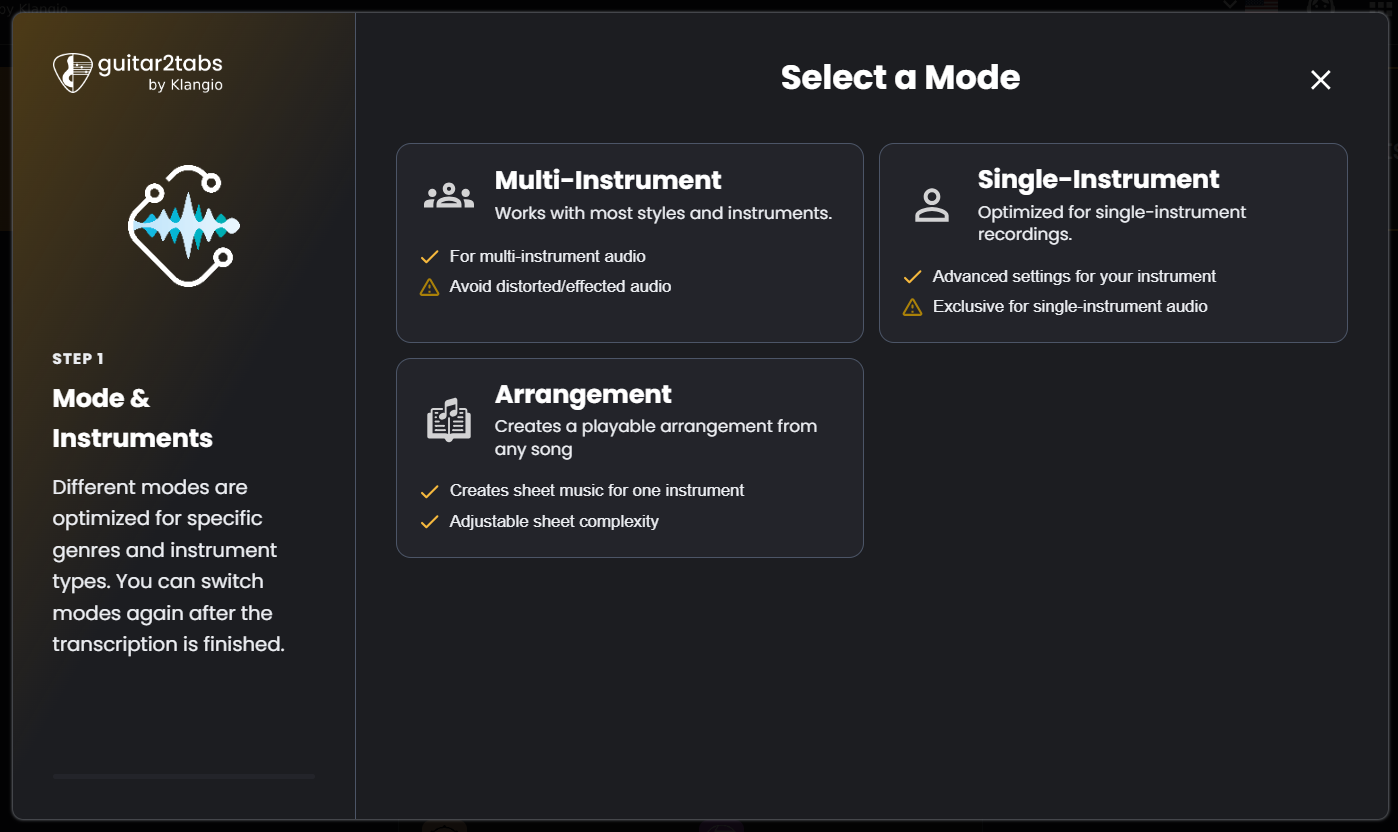
Simply follow the dialog windows of the Transcription Wizard to transcribe the audio file. If you are transcribing a bass guitar, you can select it in the “Instruments” section after selecting a mode. You can learn more about the additional settings in this guide.
Our Klangio Transcription Studio now also offers a Rock Mode, specifically for distorted rock songs. including bends, slides, and other techniques.
Step 4: View the Guitar TABs and Download the GuitarPro File #
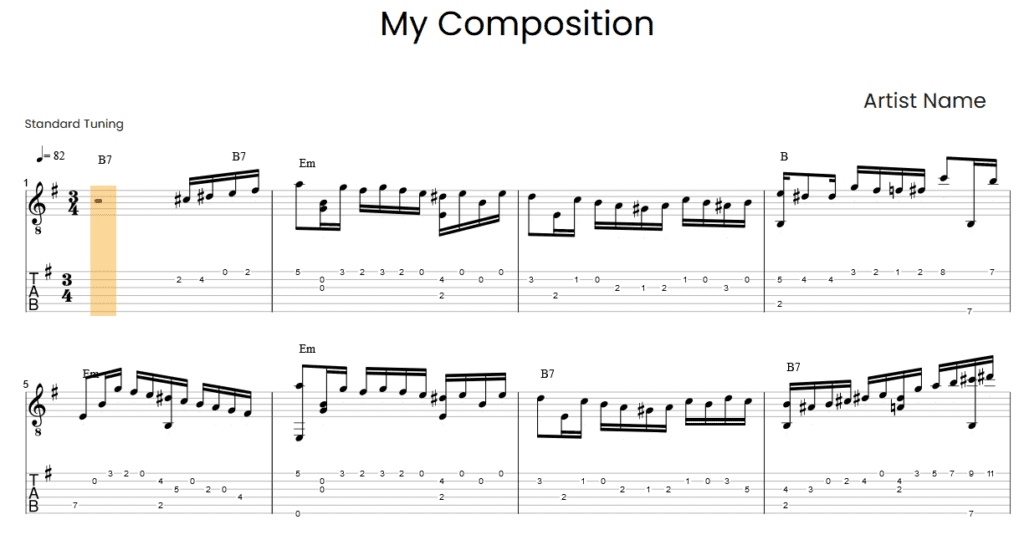
You can now see the TABs that are generated from the provided audio in the transcription viewer.
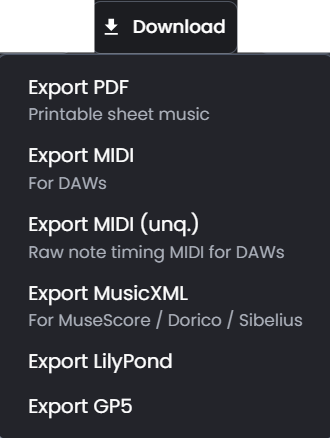
In the top left corner of the transcription, you have the option to download the transcription in different formats. Choose either “Export PDF” for TABs in the form of a PDF or “Export GP5”. If necessary, upgrade to a full transcription.
Step 5: Open the GuitarPro File #
You can now use the Guitar Pro Editor to view and edit your Guitar TABs (there are also free alternatives like TuxGuitar). If you want to know more about how to edit TABs with TuxGuitar, check out this guide.
Feel free to check out the other articles in our Help Center for more helpful tips.


